
Write an expected outcome for a QA journey
An expected outcome gives the reviewer a specific observation to compare with what happened. Use something a visitor can see after taking the action.
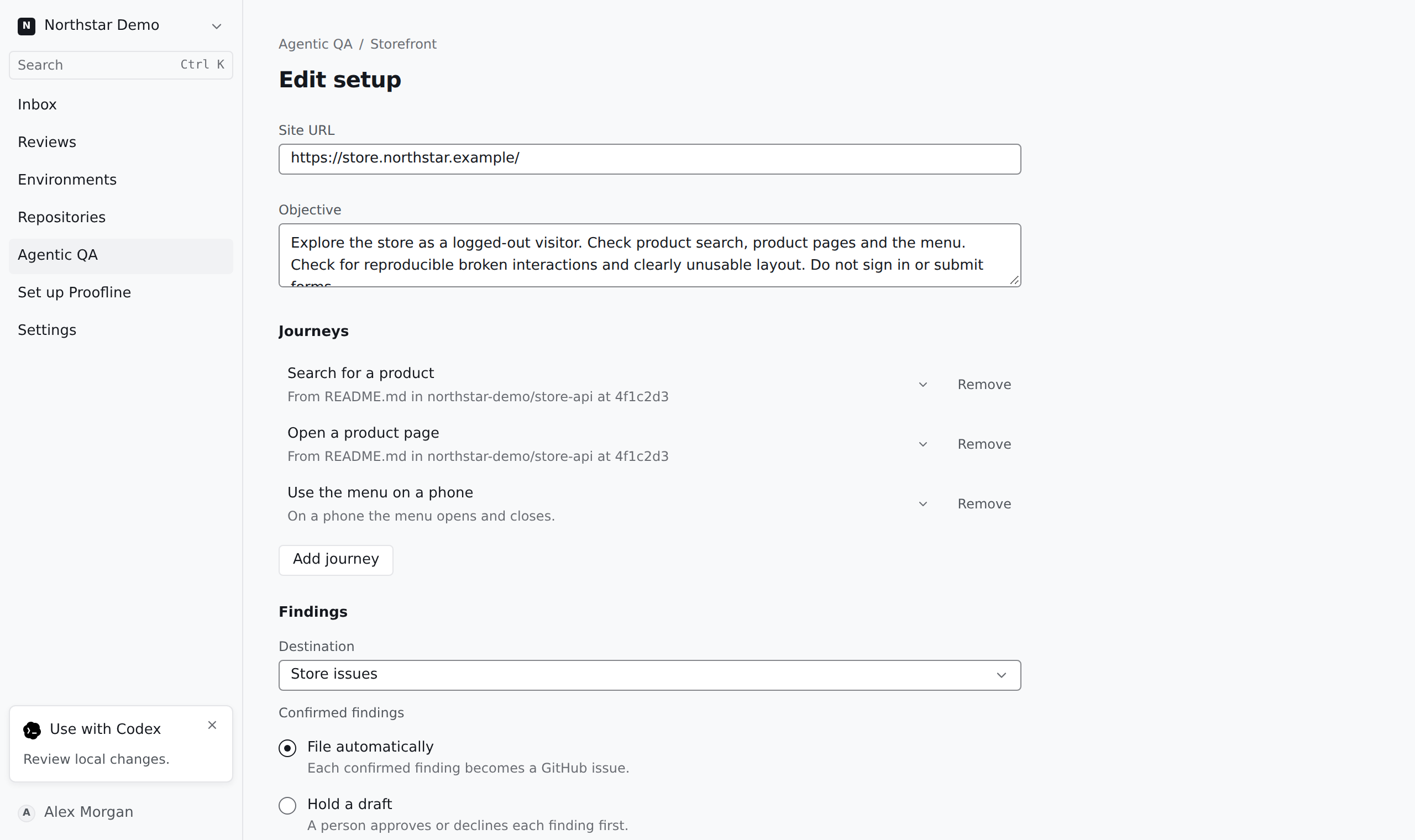
Describe the action and its result#
In the setup editor, open Journeys. Under What the visitor does, describe one task, such as removing a coupon. Under Expected outcome, state the observable result, such as the order total returning to its original amount.
Put navigation hints under How to get there. Keep them separate from the outcome so an alternative path can still establish whether the task worked.