
Record the starting conditions for a QA journey
Some journeys require application state, such as an outstanding invitation. A fresh browser does not reset the data behind your site.
Tell the run what must already be true#
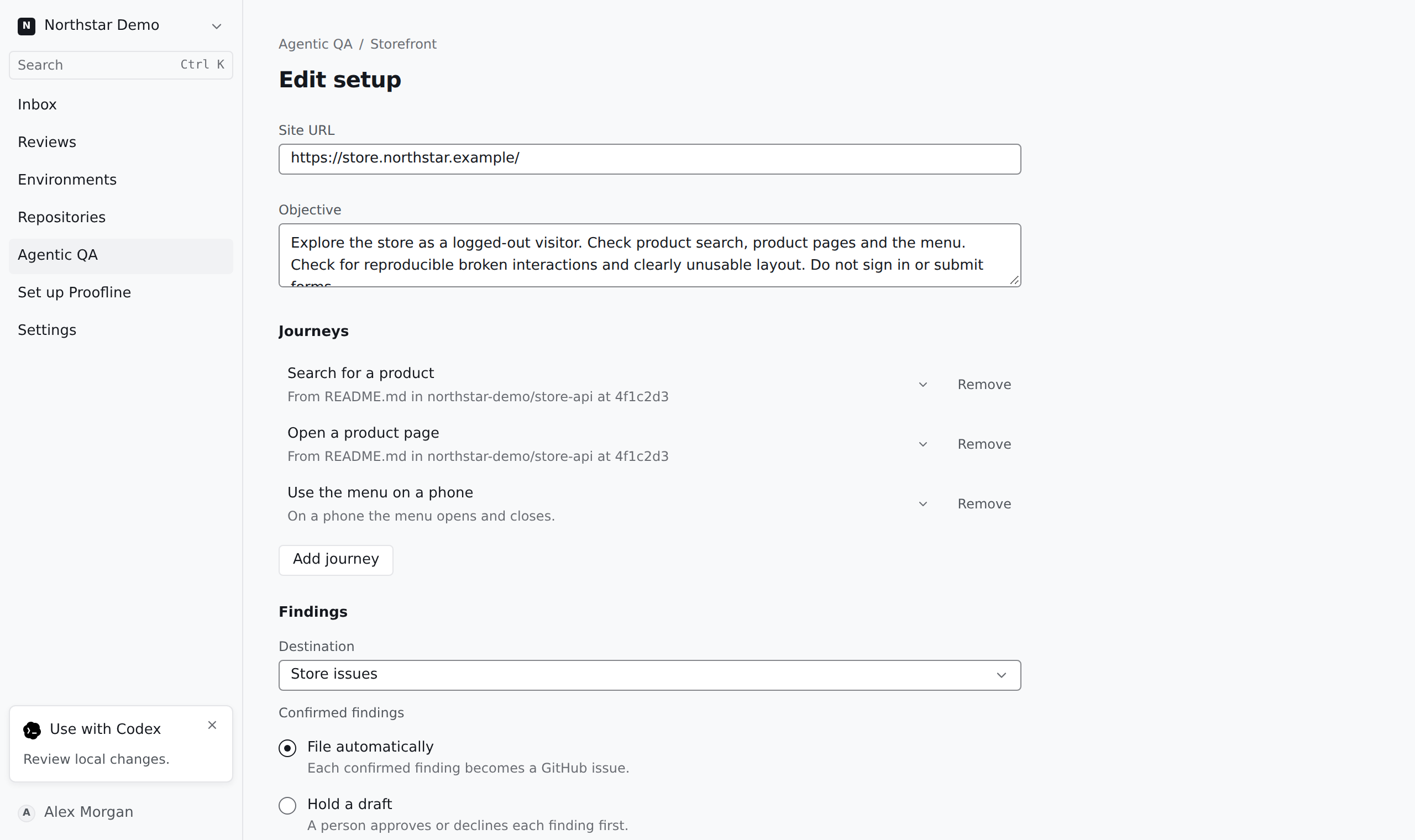
Open the journey in the setup editor and add its preconditions. Describe the required starting state separately from the action and expected result. Save the setup.
When a run reports a blocked journey, compare its reason with the saved preconditions. Restore the starting state in your test application before running again. The run does not create missing state solely to satisfy a precondition.