
Exercise a QA journey at a different browser width
Set a journey’s browser window when its behavior depends on screen size. A mobile menu can warrant a different window from the rest of a setup.
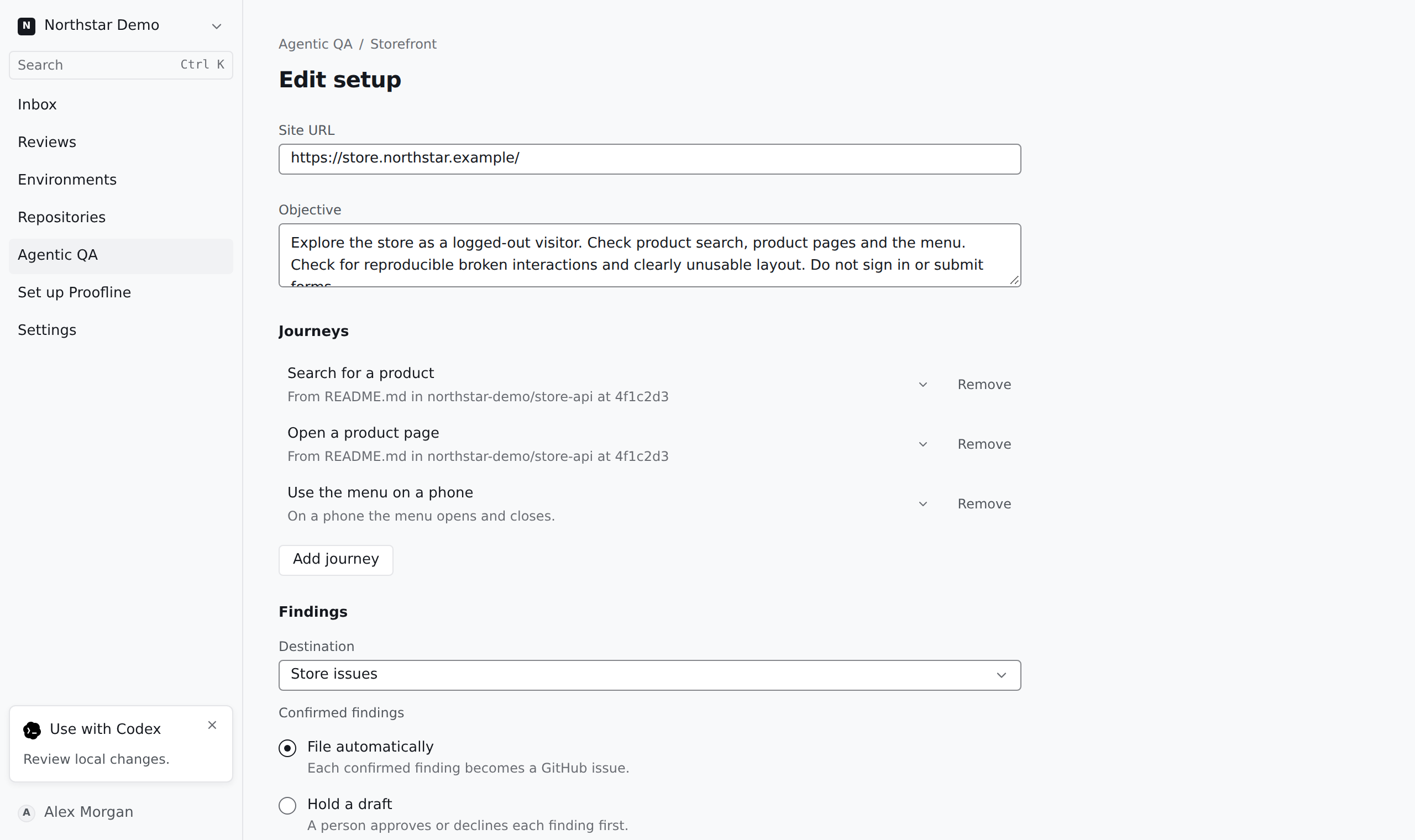
Override the default for that journey#
Open the setup editor and check Default browser window. Under Journeys, select the relevant journey and choose its Browser window. Save and open the setup’s journey list to check which window applies.
Describe the visitor action and expected outcome at that width. A recorded desktop interaction alone cannot establish that a mobile menu is usable.