
Recover notification email delivery
Proofline sends notification emails to your verified primary GitHub email address. A missing address, a GitHub noreply address or paused delivery can leave requests visible only in the console.
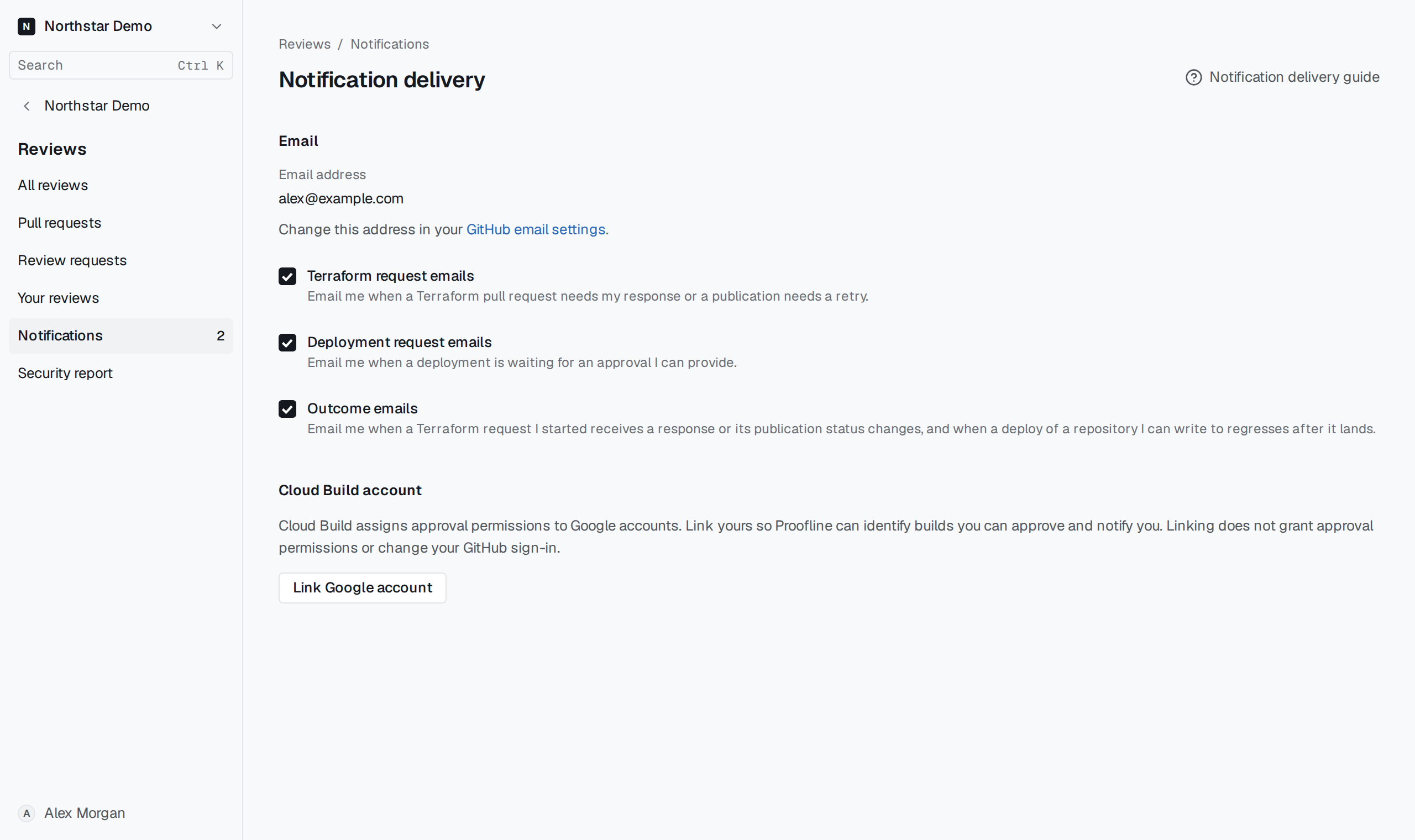
Update the delivery address#
Open Reviews → Notifications → Delivery preferences. Follow GitHub email settings, choose a verified primary address that accepts mail, and sign in to Proofline again. For paused delivery, use a different verified primary address.
Return to Delivery preferences and check the displayed email. While delivery is unavailable, open Reviews → Notifications to read pending requests.