
Resume reviews stopped by a monthly limit
An incomplete review can name the spending limit that kept it from starting. Identify whether that limit applies to the organization, repository or author's team before changing it.
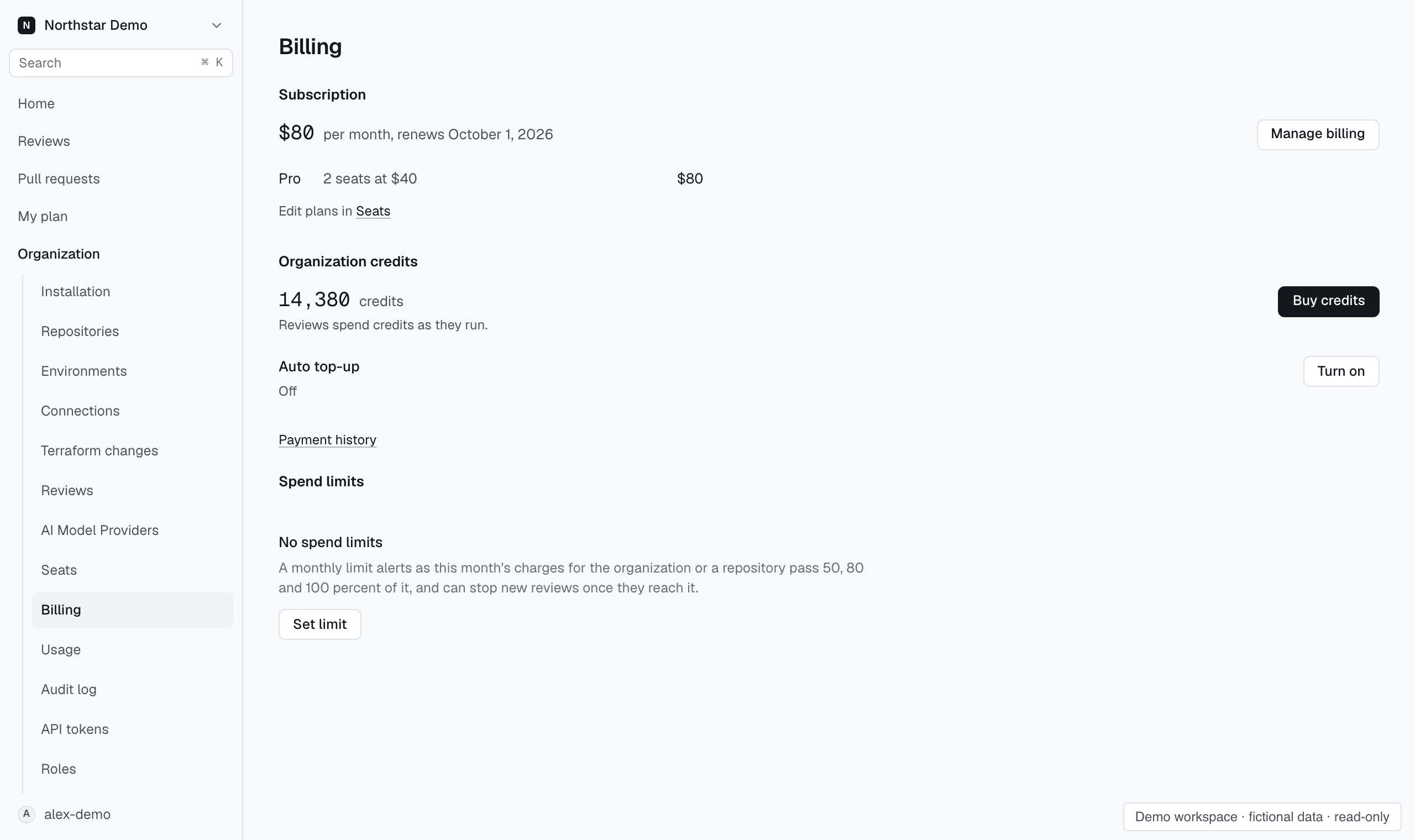
Adjust the blocking limit#
In Settings → Billing → Plan and credits → Spend limits, locate the limit named on the review. Select Change to raise its monthly credit limit or Remove if that scope no longer needs one.
After changing the limit, request the review again. If it still cannot start, read the reason on that attempt and check the available credit balance as well.