
Send spend threshold alerts to Slack
Spend thresholds notify the organization as it uses a monthly credit budget. They work with either Alert only or Stop new reviews.
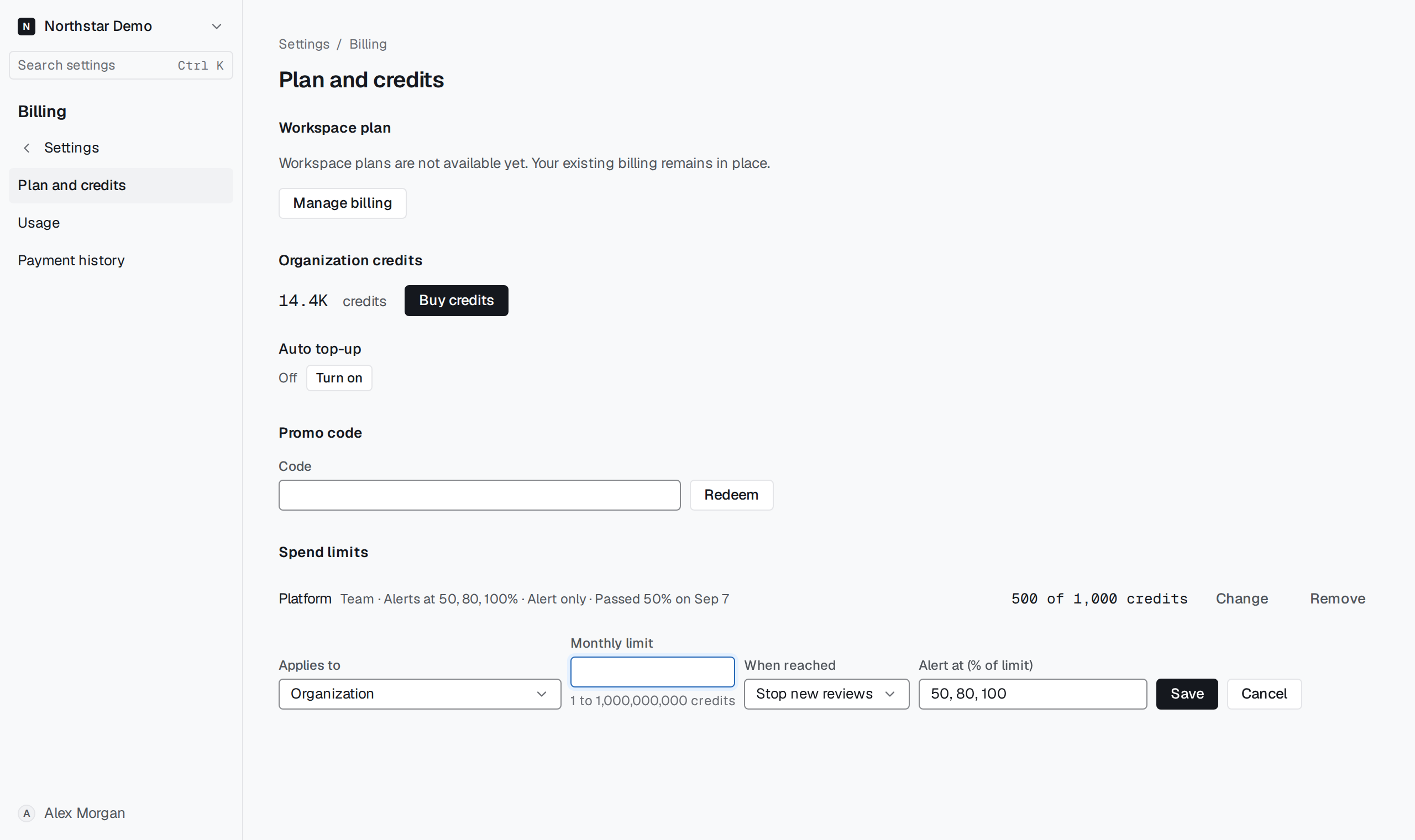
Choose alert percentages#
Open Spend limits in Billing. On an existing limit select Change, then enter whole percentages in Alert at (% of limit), separated by commas in increasing order. Save and check the organization's Slack delivery channel.
A crossing appears in the audit log even if Slack delivery is unavailable. Each percentage alerts once per month for that limit. A newly added percentage is checked at the next charge.