
Set a GitHub team review budget
A team budget follows the authors whose reviews incurred charges. A charge counts against the team if its author belonged to the team or a child team when it was recorded.
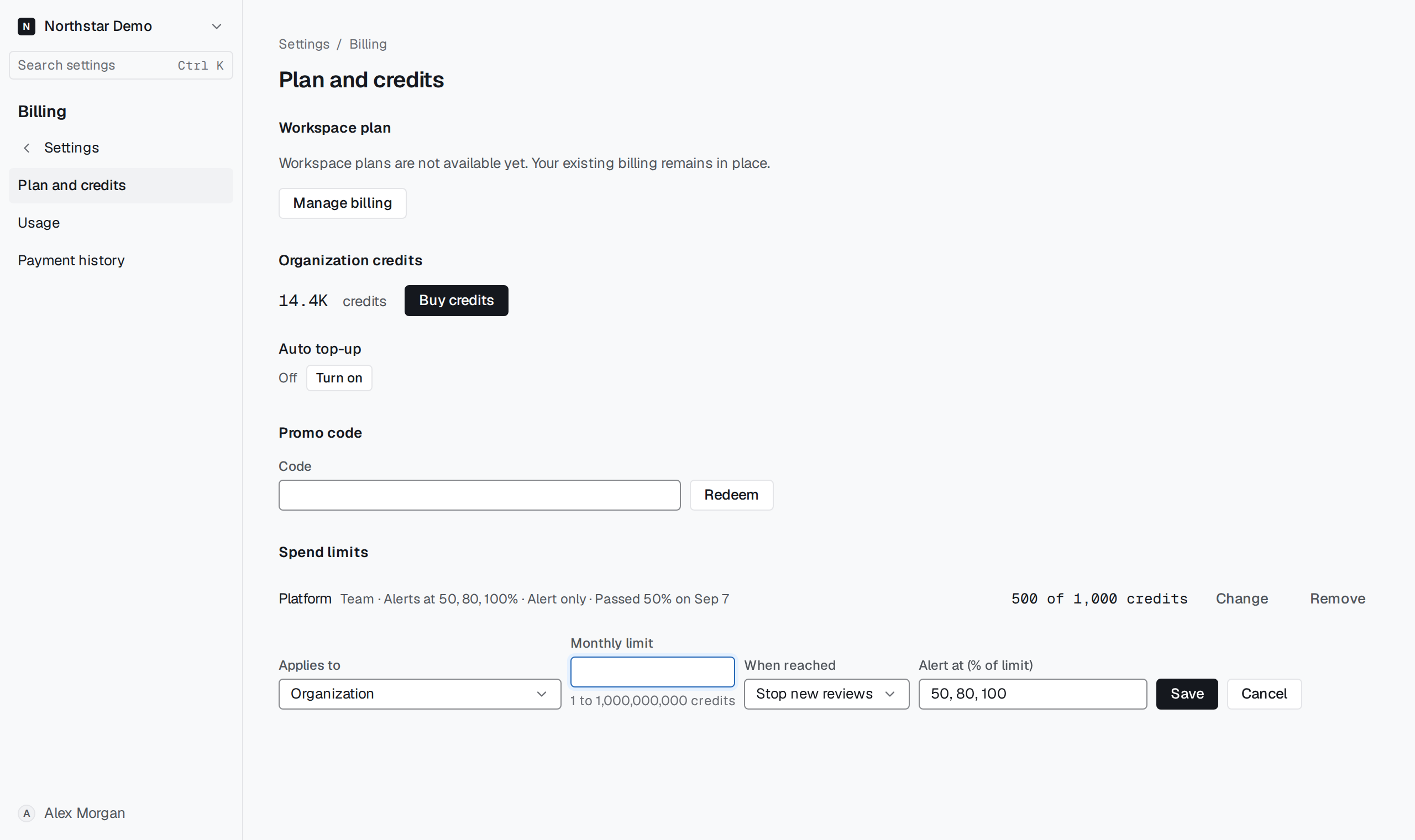
Select a synced team#
Under Settings → Billing → Plan and credits → Spend limits, choose Set limit. Select team scope under Applies to, pick the team from Teams, and enter its monthly credit limit and action.
Save the limit. Changing team membership later does not move existing charges. Check the synced team selection before attributing unexpected usage to another team.