
Configure an Agentic QA environment
A QA setup with its own environment can keep a workspace between runs. Open the setup in Agentic QA and find Environment to inspect its saved definition, workspace state and repository setup.
Change the environment for the next start#
Select Edit in Environment. Review the image, capacity, workspace retention, toolchains and repositories, then select Save environment. The page records a revision. If the workspace is already running an earlier revision, the next start uses the new one. Follow a revision link to compare saved definitions.
Stopping a workspace keeps its disk. Reset workspace discards the workspace contents and keeps the saved definition. Read the confirmation before resetting or deleting an environment.
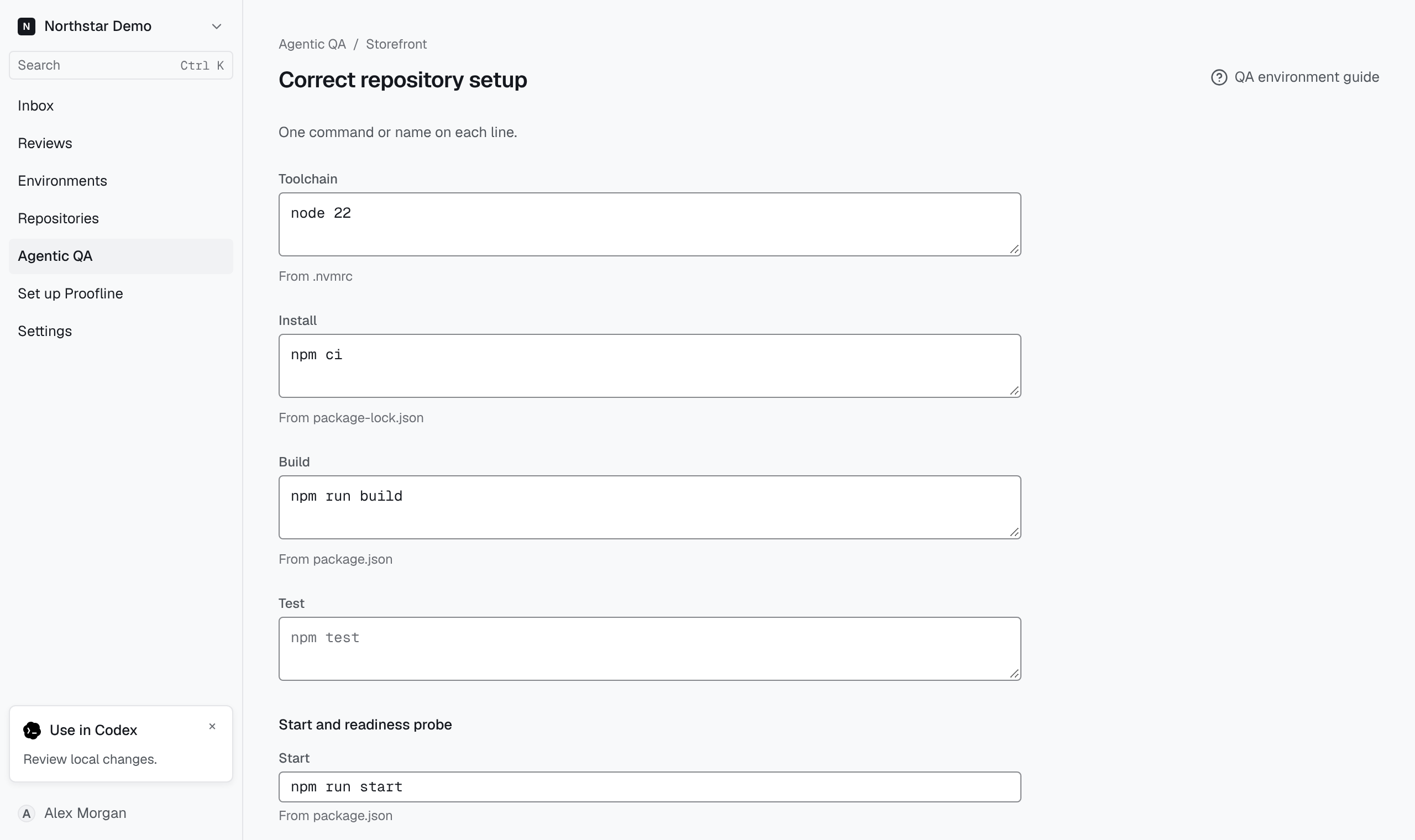
Correct repository setup#
Under Repository setup, check which repository and commit supplied the inferred settings. If Proofline has inferred a manifest, select Correct. Review the runtime, commands and service settings. For example, if the service starts but its health check fails, check the start command, port and health check path against the application.
Select Save corrections, then return to the setup and check Environment readiness. If a required secret is missing, use the control beside its name under Secrets to enter its value. The page reports whether a value was saved.