
Configure an Agentic QA cloud grant
A cloud grant defines where a QA setup may deploy, what it may create and how long resources may remain. Open Agentic QA, choose the setup, then follow the link under Cloud grant.
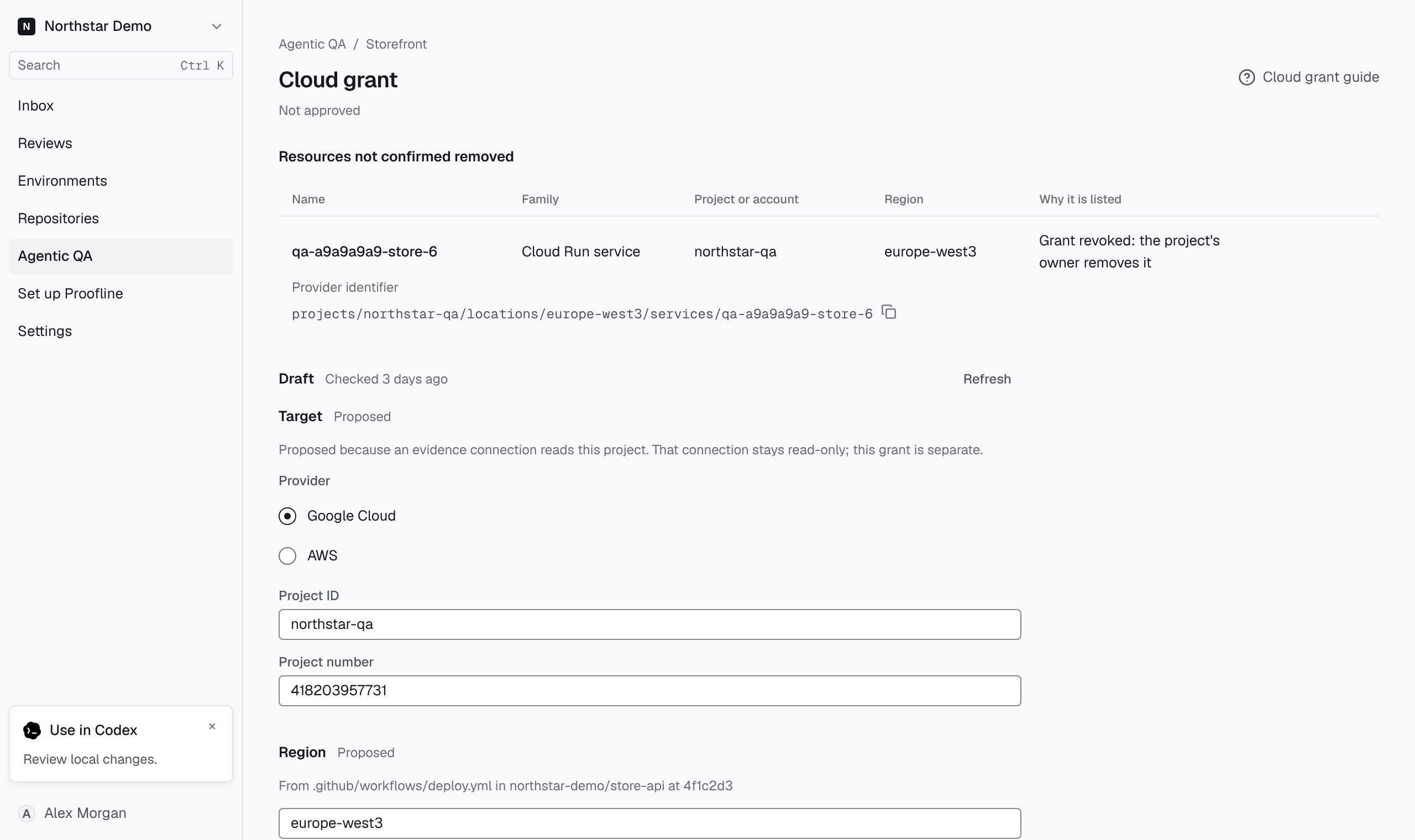
Review the draft#
Under Draft, check the provider, target account or project, region and principals. Review the allowed actions, resource families, name prefix, retention, budget and committed manifest. Refresh checks the suggested values again. Correct missing or unsuitable values before approval.
An organization administrator selects Approve for the first revision or Approve revision with the new revision number for a change. Under Trust and permissions, use the approved revision’s details to configure the target.
Verify and activate a revision#
Select Verify under Verification and check the result. If the probe reports a problem, repair the named permission or trust configuration and verify again. After verification succeeds, an administrator can select Activate. If the page says deployments are disabled, activation alone cannot start a deployment.
Stop using a grant#
Before choosing Deactivate or Revoke, review the resources still owned by the grant and any cleanup the page lists. Read the confirmation before proceeding. Previously issued credentials can remain usable until the expiry shown. After revocation, the cloud project or account owner must remove any permissions that its principals still hold.