
Inspect an Agentic QA run
Open a setup in Agentic QA, then choose a run to see which journeys it exercised, what it observed and where coverage ended.
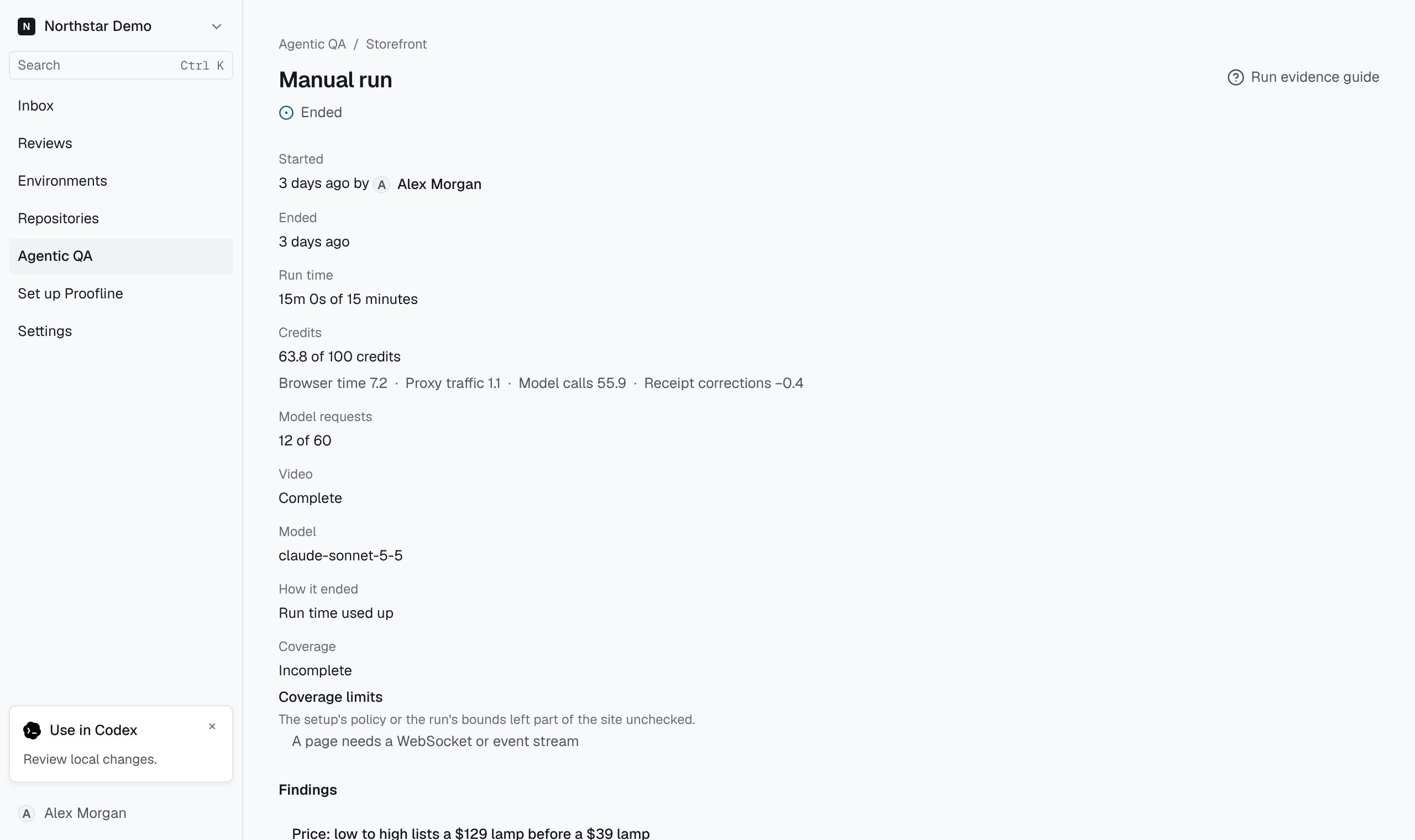
Read the result#
Check the run’s state and the agent’s report. Under Journeys, compare the expected outcome with what the agent exercised. A blocked or unattempted journey leaves a gap in coverage. Under Findings, open a finding to inspect the observation and the evidence supporting it.
Follow a step into the recording#
If the run kept a recording, use the time beside a recorded step to jump to that point. If the step falls in a gap, the player tells you that part was not captured. Use the step details and available evidence to see what the run actually recorded.