
See which findings were verified fixed for a service
Use Resolved findings to trace each resolution to the review and commit that verified it. On the environment's Overview, find the service under Services and select the resolved count in Open findings. The link appears when the count is greater than zero.
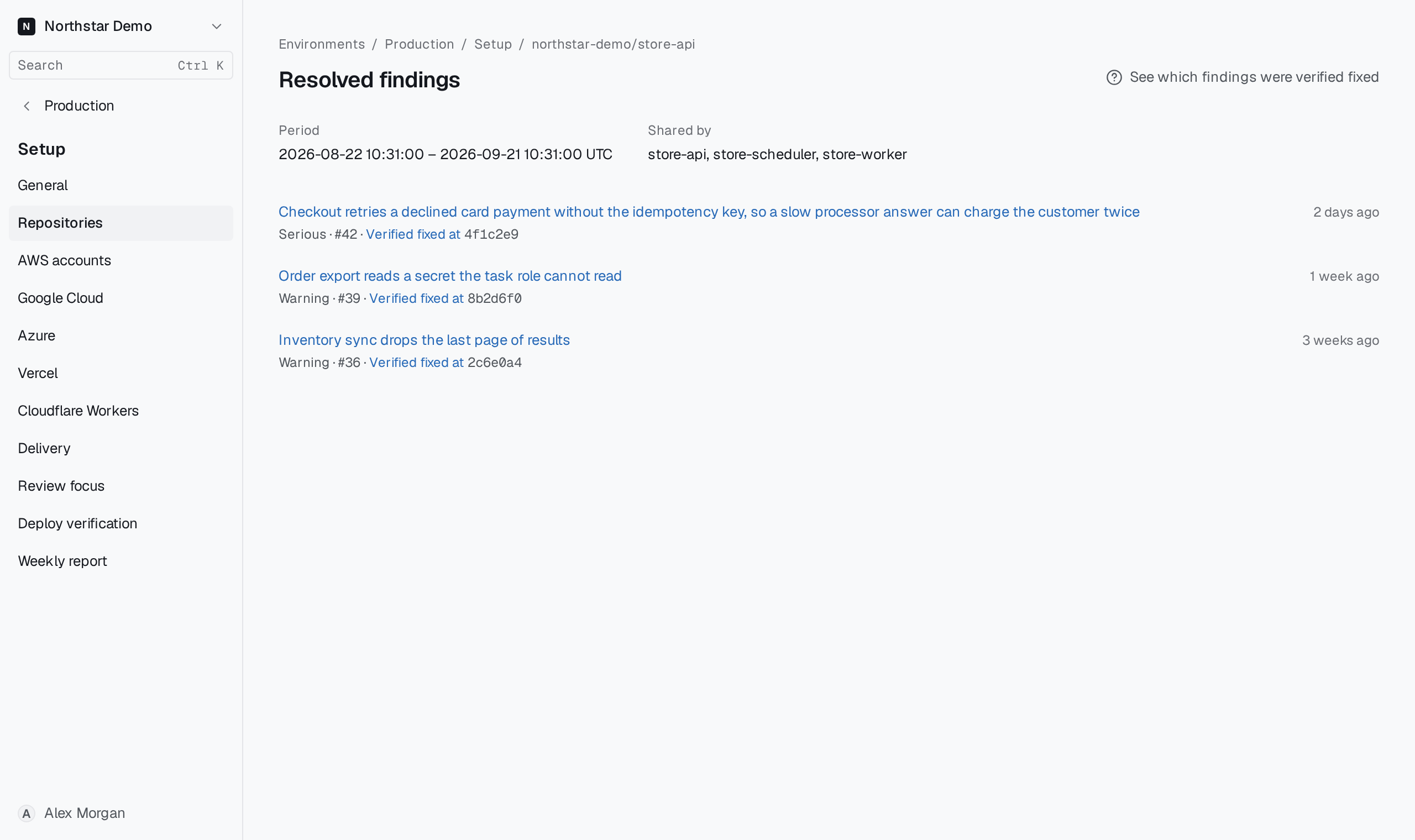
Read the period and the verifying commit#
- Check Period for the dates covered by the count you opened. Service names the service when the repository binds one. Shared by lists the services when several use the same repository. Each of those rows counts the same findings, once for the repository in that environment.
- Read the finding's severity, pull request number and verification time. Select its title to open the finding.
- Follow Verified fixed at and the short commit to open the review that re-checked the finding at that commit.
No finding was verified fixed in this period means no recorded re-verification found a supported finding from that repository gone in the period shown.