
Generate a fix from a review and apply it from its proposal page
Ask Proofline to prepare a patch for an open pull request finding. Review the patch and its validation on the proposal page, then open a draft fix pull request for your team to review.
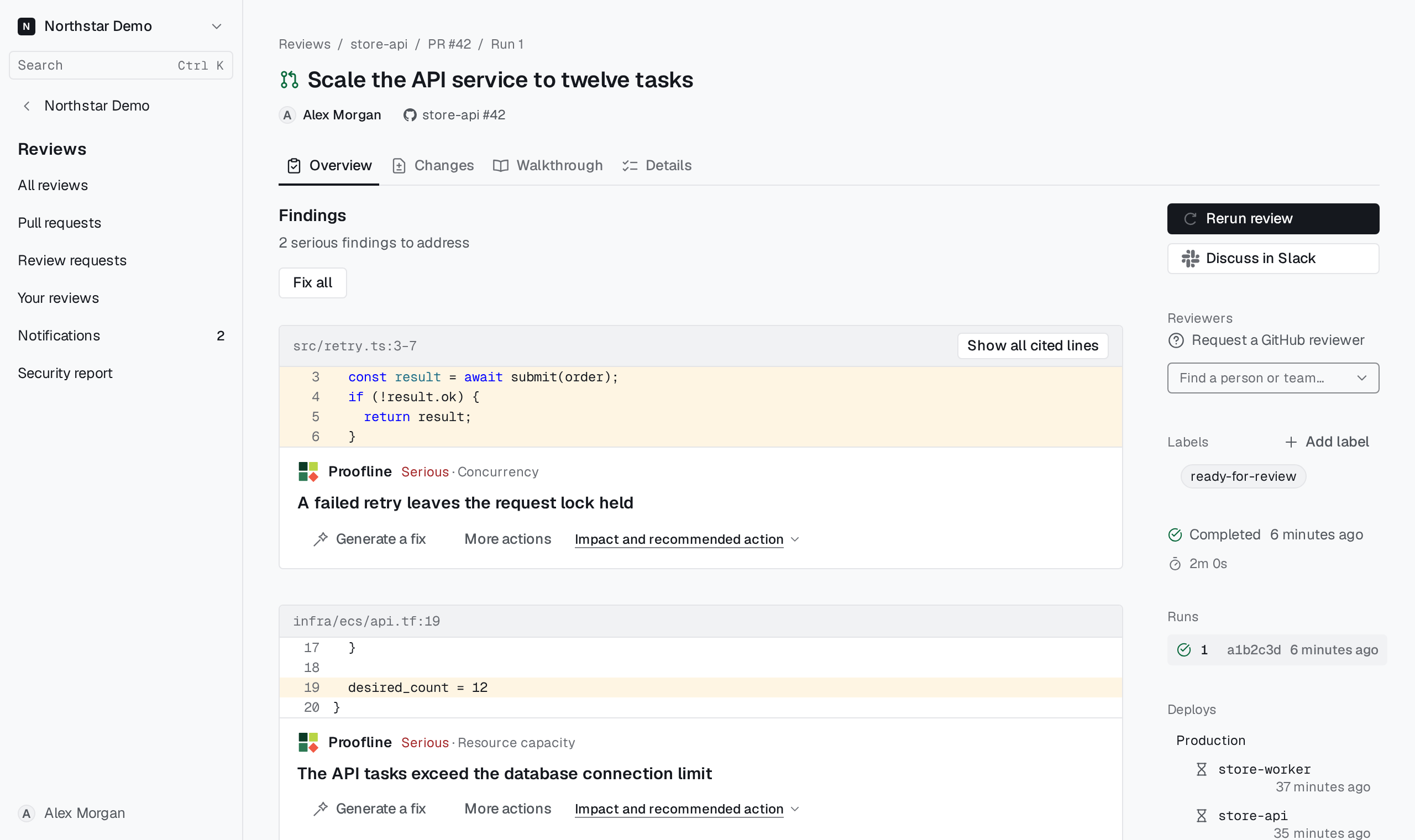
Generate a fix for a finding#
- Open a pull request review or its finding in Proofline.
- Select Generate a fix. The control appears for members who can act in the organization when fix generation is enabled. Requesting or applying a fix also requires write access to the repository in GitHub.
- Read the proposal as the fix attempt runs. To return to a recorded attempt later, open it under Fixes on the finding page.
The Fixes row names the attempt's status and commit. It can also say Ready to apply, Held for review, Behind the pull request, or Applied. Open the attempt to read the patch and its current state.
Read the proposal#
- Tested head names the commit where the fix was prepared and checked. If the page says The pull request has moved past this fix's head, open the latest review and request a fix there.
- Summary gives the sandbox's description of the change when one was recorded. Read Patch to see the actual edits.
- Validation lists the steps and their outcomes. Inspect any command or exit status it shows. For No patch was written, The patch was refused, Validation failed, or The fix did not finish, read the reason on the proposal before requesting another fix.
Open a draft fix pull request#
- Read the Patch and check whether it changes a test, assertion, or suppression. A patch held for review may weaken an existing check.
- For a patch held for review that still applies to the pull request's head, select I read this patch to enable the apply actions.
- Under Apply, select Open a fix pull request. Follow the link there when the draft is ready. It targets the branch of the original pull request, where your team can review the changes before merging.