
Find why an inventory collection left a gap
Open an environment's Overview and find the connection under Inventory. If Services appears, expand Inventory inside it. On a connection line, check when Proofline last collected inventory or tried to collect it. An organization administrator can also see coverage and gaps that have a repair.
Read the collection status#
- Collection overdue means the scheduled collection has gone past its expected time without a recorded attempt. It can also appear alongside Waiting for the first collection. Check the connection and come back after its next collection.
- Nothing collected means the latest attempt has no recorded resource coverage. Last attempt dates an unsuccessful attempt when there is no collection time. Use any repair shown for the connection.
- Collection is off means the connection has a collection record and is no longer scheduled. Check the connection in the environment's setup if you expect it to collect inventory.
Follow the repair for unread resource types#
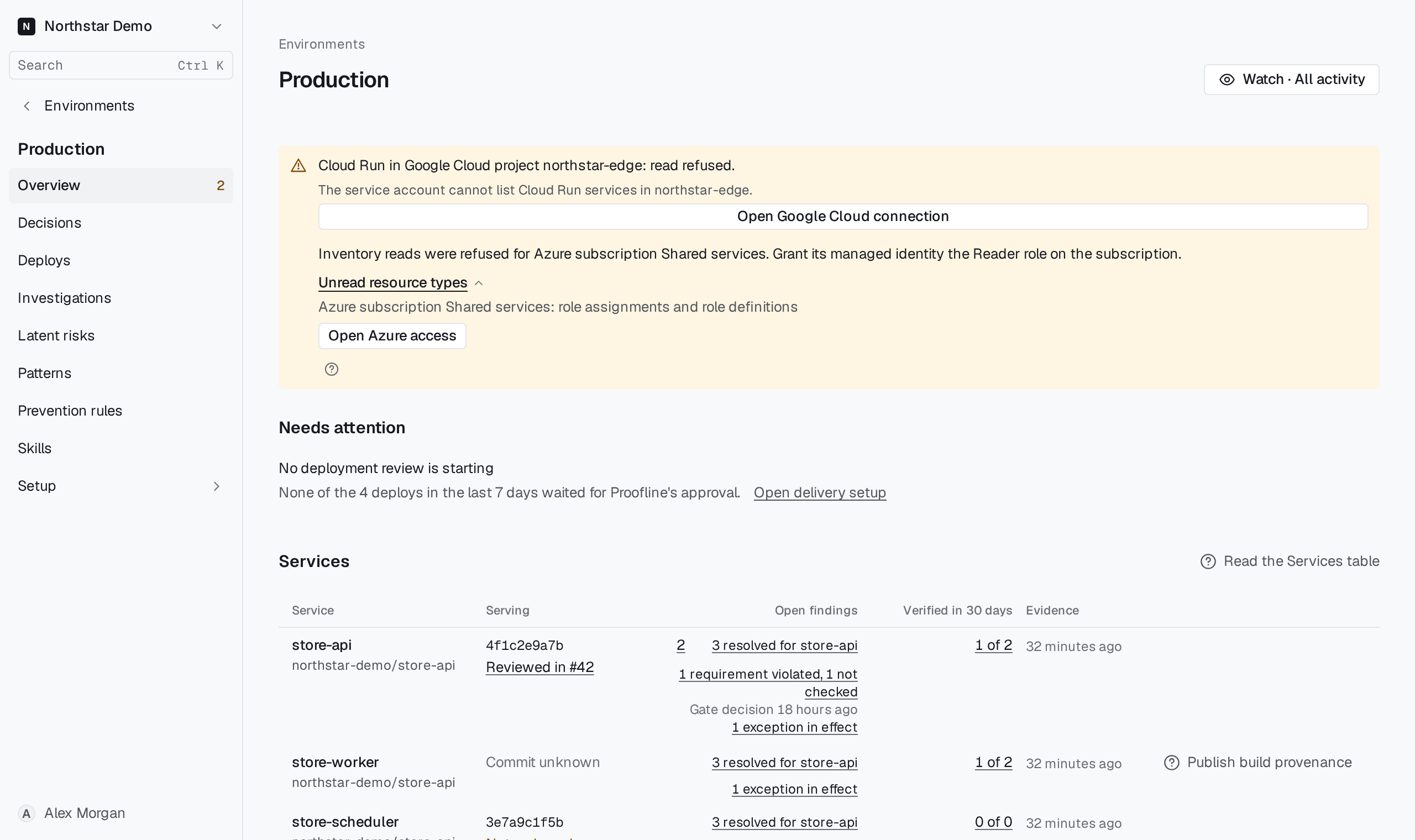
Expand Unread resource types when it appears. Each gap names what could not be read and gives the repair when one is available.
- For permission denied or a policy rule read that was refused, use the action beside the gap. Open access request shows the missing AWS reads. Open Azure access takes you to the Azure connection, where you can check the subscription grant. Open Google Cloud access takes you to the environment's Google Cloud connections. Scheduled Google Cloud inventory currently covers Proofline's own projects.
- When the line names a disabled Google API and a project, enable that API in the named project.
- If the AWS role leaves reads out by choice and you need them, select them under What Proofline reads in the connection's setup and apply the updated role.
When the next collection finishes, return to Inventory to see which resource types it read.