
Resolve an investigation's issue filing that is held for review
Proofline holds a GitHub issue filing instead of risking a duplicate or a lost issue. The investigation's Ticket follow-up section says why, and once the cause is cleared you can link the right issue or let Proofline retry.
Read the cause#
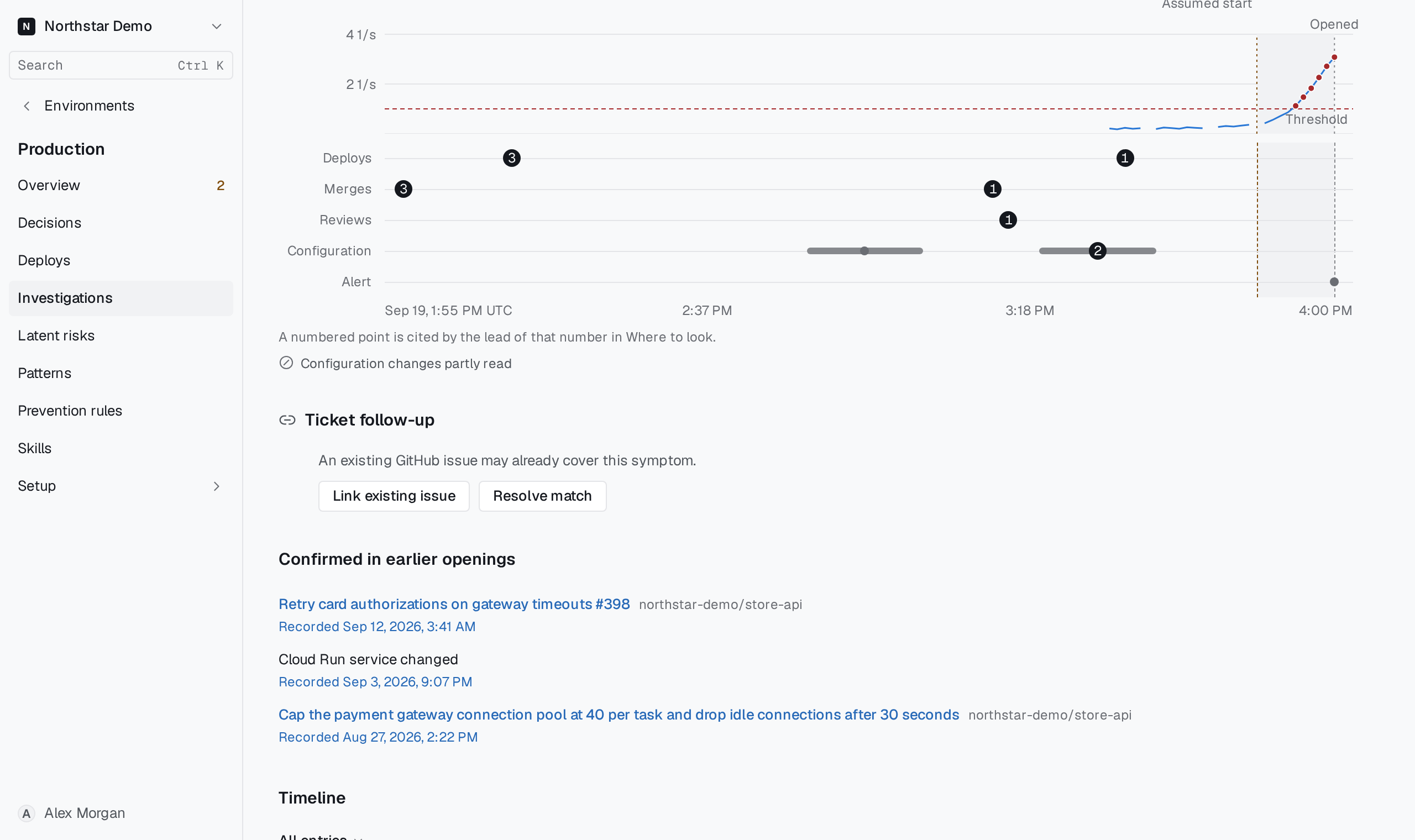
Open the investigation and find Ticket follow-up. A held filing shows one of these sentences, or Filing is held for review when Proofline recorded no cause:
- An existing GitHub issue may already cover this symptom. or More than one GitHub issue matches this filing. A possible match was found. Select Resolve match.
- GitHub did not confirm delivery, and Proofline could not find the issue from the attempted send. The issue may or may not exist. Select Reconcile delivery.
- Proofline found an issue but could not verify that it belongs to this filing., Proofline could not finish checking GitHub for a matching issue. or Proofline stopped after repeated attempts to reach GitHub. Select Review retry.
- GitHub refused the issue. or The repository's visibility changed after this issue was prepared. Check the repository in GitHub, then select Review retry.
- A value the ticket routing rule chose is no longer in the repository. This attempt sent nothing. Restore the value in GitHub and select Review retry, or change the rule so the next occurrence files with current values.
- The destination's repository is in shadow mode, so the retry was not sent. The earlier send is still unconfirmed. Turn shadow mode off for the repository, search it for the issue, then select Review retry.
- Proofline cannot reach the destination repository., The destination repository changed. or The ticket destination is off. Restore the repository's access or turn the destination on first.
- The ticket routing authorization was revoked., There is no active ticket routing authorization. or The ticket routing rule changed after this filing was queued. Set up the environment's routing again, then check the earlier filing.
The actions in Ticket follow-up depend on the current rule and access to the repository.
Link or retry#
Each action asks you to check the destination repository in GitHub first.
- Search the repository for an issue about the same symptom.
- If you find one, select Link existing issue. Link an existing GitHub issue or file again for a recurrence explains the fields.
- If there is none, select Resolve match, Reconcile delivery or Review retry, then select Retry filing.
While the filing runs again, the section says Waiting to file a GitHub issue and then Waiting for GitHub to confirm delivery. When it is filed, the issue link appears in the section. Acting on a filing needs permission to manage repository settings.
When routing changes#
Open the held filing's Destination repository in GitHub. If an issue for the symptom exists there, select Link existing issue. You can retry the filing when you find no issue and the current rule uses the same destination and covers the investigation’s source. A hold for an earlier destination stays open while you reconcile its delivery.
If the linked issue closes and the symptom recurs, open Ticket follow-up on the later investigation and select File again if closed. If the rule points to another destination, review its repository and who can read the new issue before you confirm. The earlier GitHub issue stays linked to its investigation.
When the issue was not sent#
A filing that ended without an issue says The issue was not sent, or gives the cause. You can act on these:
- The destination's repository is in shadow mode, so no issue was sent. Turn shadow mode off for the repository, then file the issue on request.
- The ticket routing rule does not include this investigation's source. Tick the source in the environment's routing rule to file later investigations like it.
- This investigation opened before the ticket routing rule was saved, and the rule files only later investigations. File this one on request.
File an investigation as a GitHub issue covers filing on request.