
Open a Settings page outside your role
When you open a Settings address that your role does not permit, the console displays an access notice explaining that an administrator can open it.
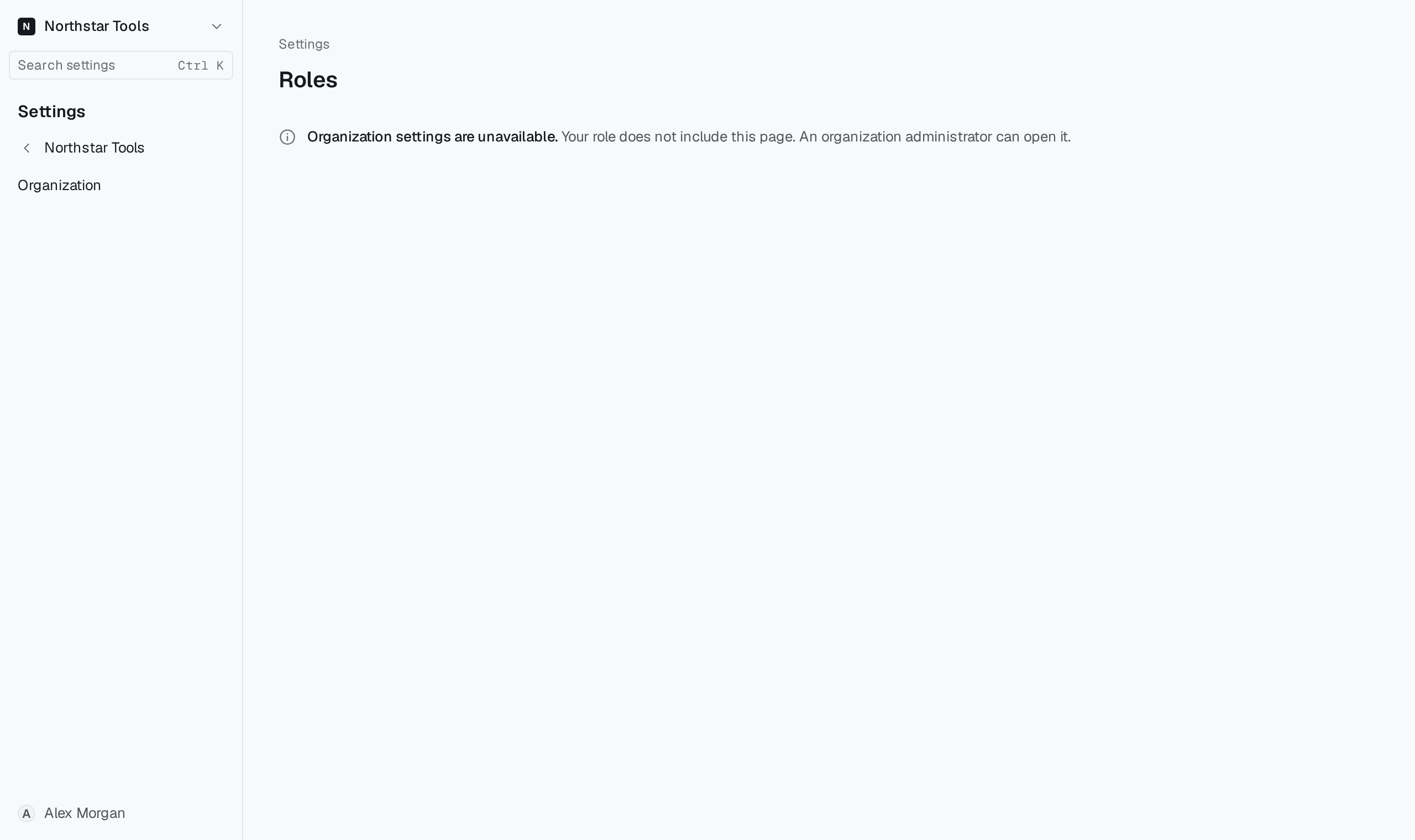
Interpret settings permission notices#
The console shows two types of permission notices in Settings:
- Organization settings are unavailable:
When you open a settings URL that your role excludes, the screen displays the name of that settings page with a notice:
Organization settings are unavailable Your role does not include this page. An organization administrator can open it.
- Review settings permission refusal:
Inside the Review policy area, if your role cannot inspect a specific review tab, the page displays:
You do not have permission to inspect these review settings.
Permissions required for each Settings page#
Proofline checks specific capabilities before opening each settings screen. Organization administrators (holding MANAGE_CONFIGURATION) can open all configuration pages. Other roles can open pages matching their assigned capabilities:
Organization and administration#
- Account (
/settings/organization): Open to every member. Outside collaborators cannot open it. - Installation, Email domains, Data, Single sign-on, Notifications, and Dismissed items: Require organization administration (
MANAGE_CONFIGURATION). - Enterprise: Requires the Owner role (
ADMIN) or platform administrator access. - Delete organization: Requires the
DELETE_ORGANIZATIONcapability, held by organization owners.
People#
- Seats: Requires
MANAGE_SEATSor organization administrator access. - Roles: Requires
MANAGE_ROLESor organization administrator access.
Connections#
- Integrations: Requires
MANAGE_INTEGRATIONSor organization administrator access. - Ticket destinations: Requires
MANAGE_INTEGRATIONS,MANAGE_REPOSITORY_SETTINGS, or organization administrator access. - Terraform changes: Requires
PREPARE_TERRAFORM_CHANGESor organization administrator access. An individual change set's page can also be opened by anyone who has read access to its repositories on GitHub.
Review policy#
- Automation, Code review, Finishing recipes, and Automatic fixes: Require
MANAGE_REVIEW_SETTINGSor organization administrator access. - Review rules: Requires organization administrator access (
MANAGE_CONFIGURATION). - Pre-merge checks: Requires
MANAGE_CLOUD_TRUSTor organization administrator access. - Models: Requires
MANAGE_MODELS,MANAGE_REVIEW_SETTINGS, or organization administrator access. - AI model providers: Requires
MANAGE_MODELSor organization administrator access. - Agent identities: Requires
MANAGE_REVIEW_SETTINGS,MANAGE_REPOSITORY_SETTINGS, or organization administrator access.
Billing and reporting#
- Plan and credits, Payment history: Require
MANAGE_BILLING, or the Owner role in read-only mode. - Usage: Requires
VIEW_USAGE,MANAGE_BILLING, or organization administrator access. - Audit log: Requires
VIEW_AUDIT_LOGor organization administrator access.
API tokens#
- Tokens, Service accounts, and Policy: Require the Owner role (
ADMIN) or platform administrator access.
Environments and deploys#
- Deploys: Requires
MANAGE_ENVIRONMENTSor organization administrator access.
Request access from an administrator#
To see who can update your access, open Settings → Organization → Account. Your access displays your current role, and Administrators lists the people who can grant roles in the organization.