
Open a public review link that says it is not available
Read the message on the link to decide whether to open the whole review, sign in for access or retry the request.
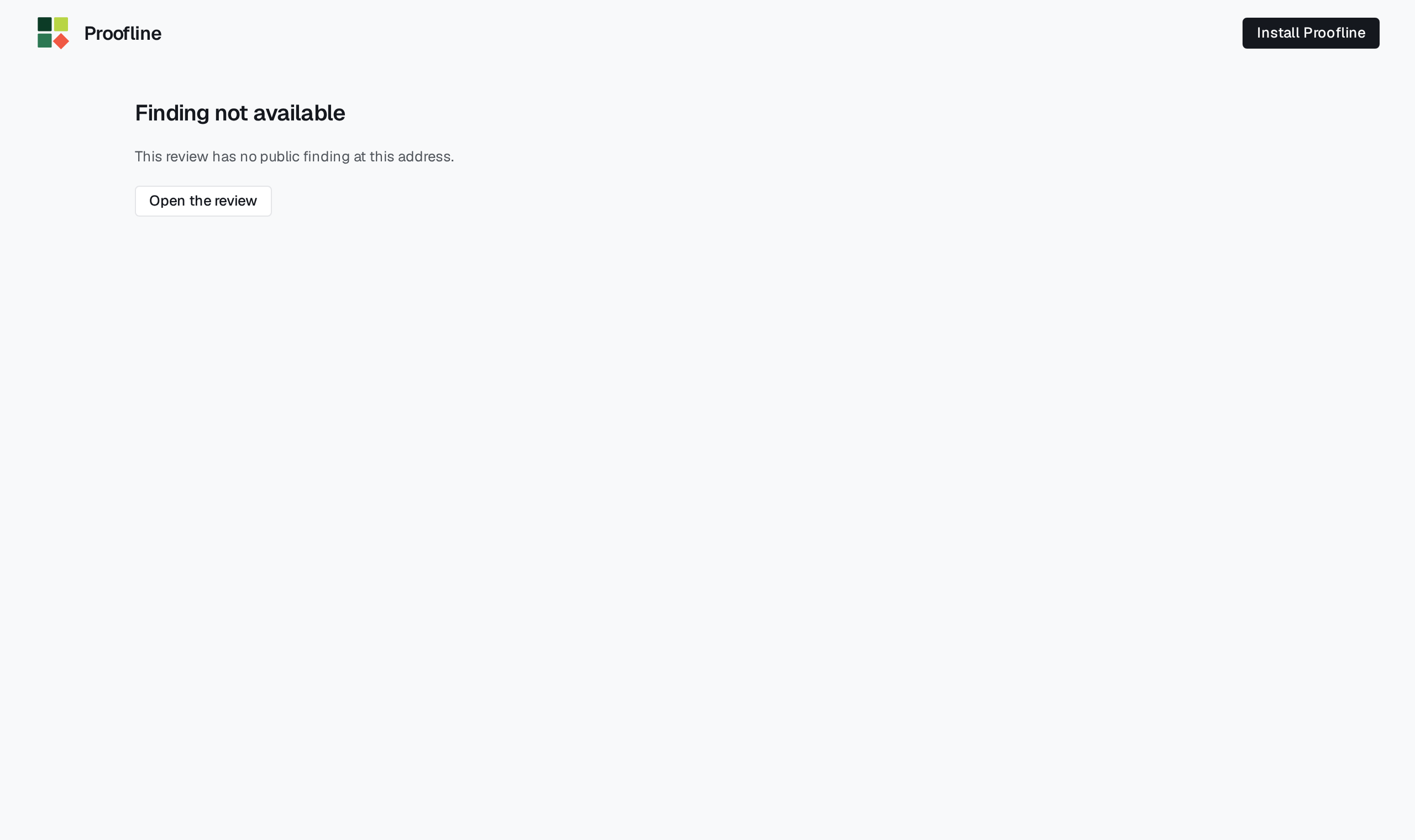
Check the message on the link#
- Review not available means the link did not return a public review. Check the link you copied. If you have repository access, use Sign in or Open Proofline to find the review in your organization. A review of a repository that became private is no longer public.
- Finding not available means the selected finding is absent from the public review. Select Open the review to read the material that is public.
- Review unavailable means the reader could not load the review. Select Try again when it appears, or reload the page later.
Read the available changes#
Open Changes for the recorded comparison when the review has both commits. Changes not recorded means the review has no recorded comparison. Use the GitHub link to inspect the pull request and check which commits you are comparing.
Some files may be missing means GitHub reached its comparison file limit. Use the files shown as a partial view of the change. When the review offers a GitHub comparison link, it opens the recorded base and head commits.