
Connect an integration again after Authorization not accepted
When you see Authorization not accepted, start the connection again from the right organization. Proofline returns you to the organization selector when the authorization expires or does not match the browser.
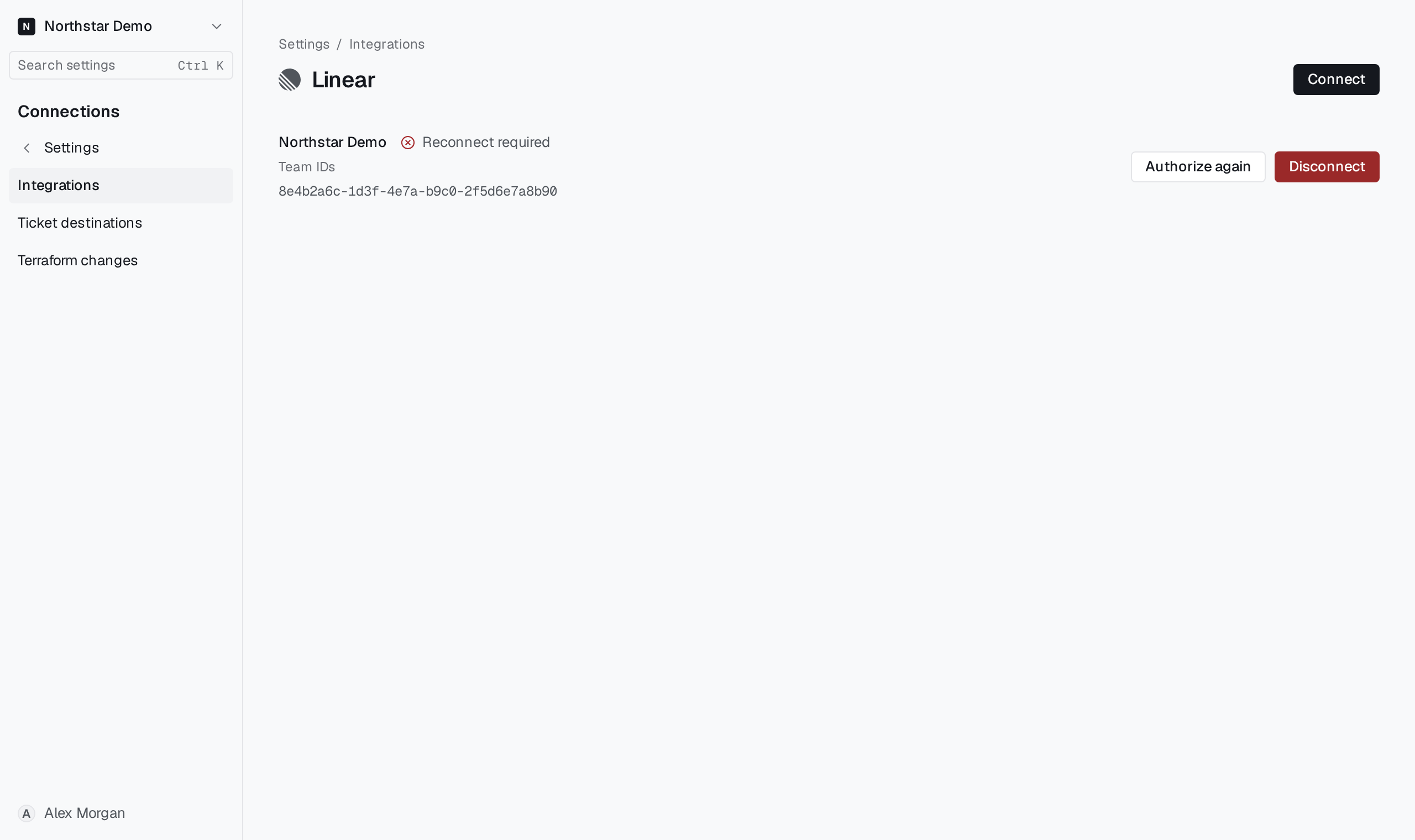
Return to the provider's settings#
- If the notice offers a link to connect the provider again, select it to open the provider in your organization.
- If it offers Open integrations, select it and choose the provider from Integrations.
- If you see Choose an organization with several organizations, select the one where you want the connection. The selector opens the provider there or opens Integrations when it could not identify the provider.
On the provider's page, select Connect to start again, or Authorize again on an existing connection. Complete the authorization in the same browser. When you return, check the connected account and the allowed resources.