
Get the weekly summary
The Monday summary covers reviews, deploy checks and open setup tasks across every repository in your organization. Only organization administrators see the option to receive it. It starts off for everyone.
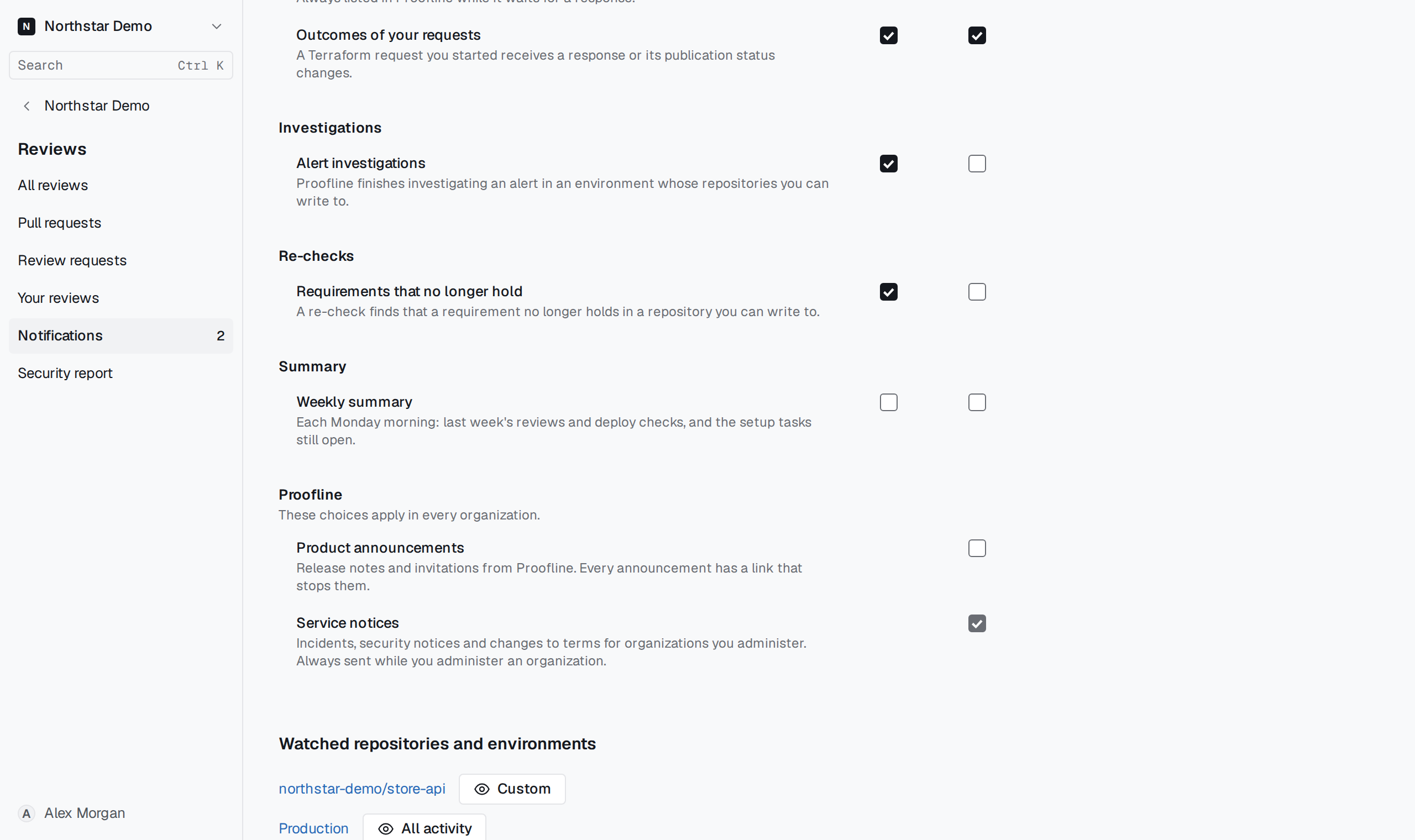
- Open Reviews → Notifications in the organization and select Delivery preferences.
- Under Summary, find Weekly summary. Select In Proofline to receive it in your inbox, Email to receive it by email, or both. The email choice appears where email delivery is available.
Each choice saves immediately. The summary is scheduled for Monday at 08:00 in the time zone of the browser you last used to save your notification choices.
What the summary covers#
- Reviews links to the reviews page and counts reviews that finished in the previous seven days, including how many completed and how many ended incomplete.
- Environments links to deploy checks. The summary counts checks that started and regression reports recorded in those seven days.
- Inbox links to deploy-check and investigation setup tasks that are still open on Monday morning.
A week with no reviews, deploy checks, regression reports or open setup tasks sends no summary.