
Withdraw an enterprise invitation an organization has not accepted
An enterprise administrator can withdraw an open invitation so the organization's owner can no longer accept it.
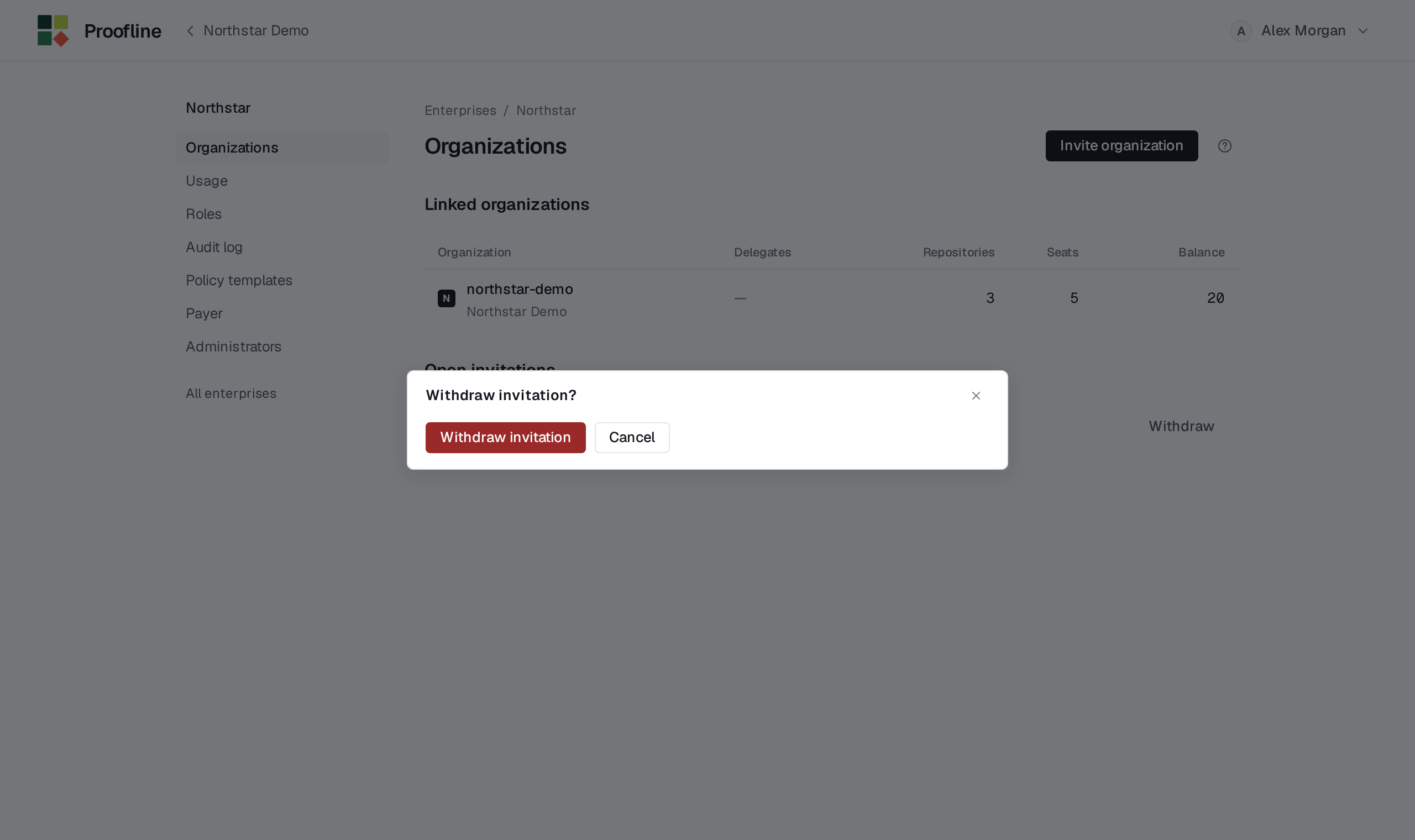
Withdraw the invitation#
- Open Enterprises from your account menu and select the enterprise.
- Open Organizations and find the invitation under Open invitations.
- Select Withdraw on the invitation's row.
- In the dialog, select Withdraw invitation.
When the withdrawal succeeds, the row leaves Open invitations. The section disappears once there are no open invitations. If the request fails, read the error in the dialog.
Identify an unnamed organization#
An organization you are not a member of appears when the invitation is for an organization outside your memberships. The row shows the invitation time and Waiting for its owner, and offers Withdraw.