
Read why an observed CodePipeline or Amplify run got no review
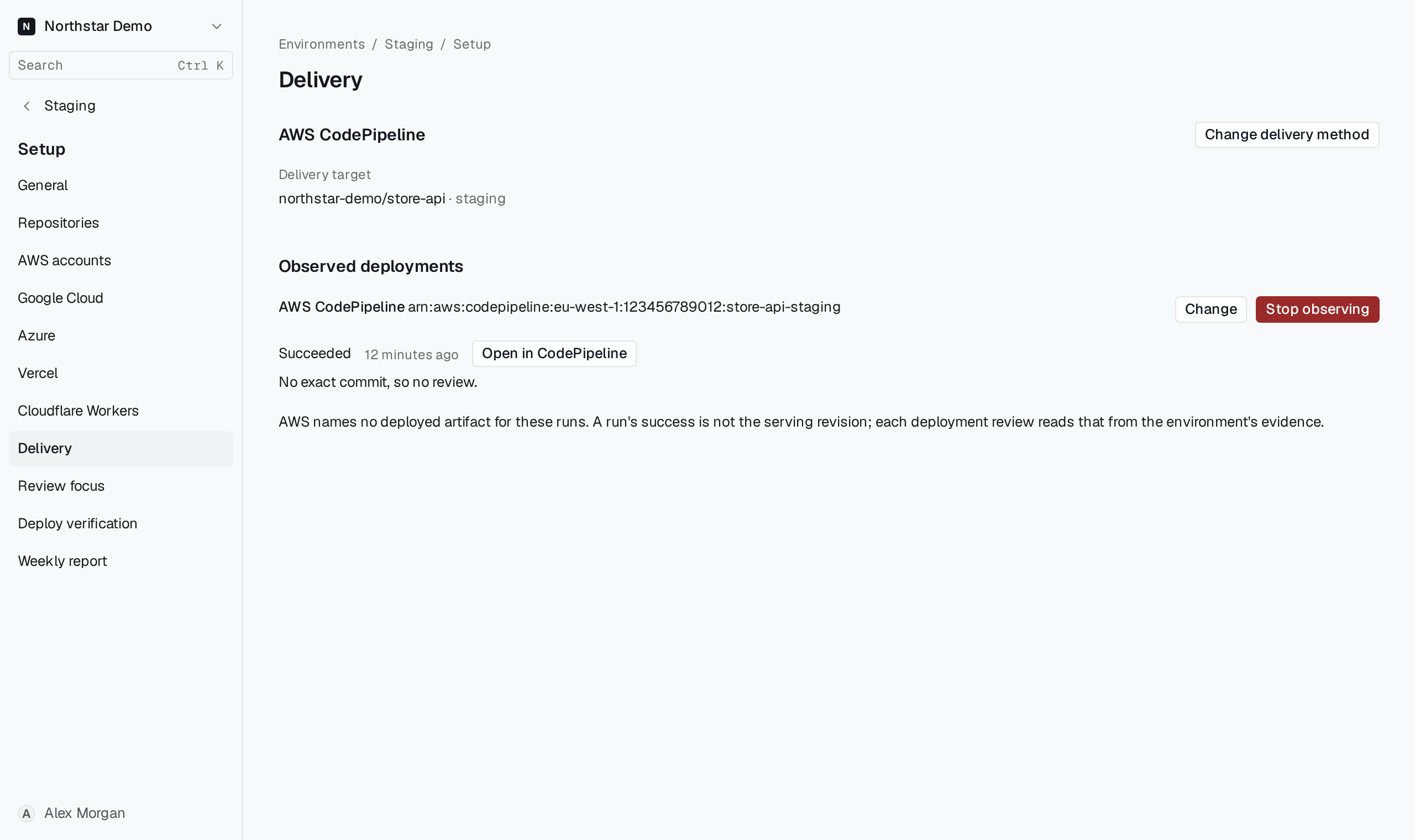
Open the environment's Setup → Delivery page and find Observed deployments for the configured CodePipeline pipeline or Amplify branch. Read the note under the run to see whether Proofline had the commit and timing it needs to start a deployment review. Administrators see these notes when the run has a gap.
| Message | What to check |
|---|---|
| No exact commit, so no review | AWS supplied no exact Git commit for the bound source. For CodePipeline, use Open in CodePipeline to inspect the execution if the link is shown. Check that Source action matches the action that reports this repository's commit. Use Change beside the binding to correct it. For Amplify, check whether the job reports a commit from the bound branch. A manual run can report only HEAD or omit its commit. |
| Finished before the binding or over a day ago, so no review | Proofline treats the run as history if it finished before the binding began, was already too old when observed, or has no provider time. A run already in progress when you saved the binding can qualify if it finishes afterward. Check the next deployment with the binding in place. |
Both notes can apply to the same run. Select Deployment review when the run has a linked review. A failed or in-progress run can appear without a review or either note. Not read yet. applies to the binding and means Proofline has no recorded read for it yet. If the binding shows a read error, see Repair an AWS deployment source that stopped reporting.
Stop observing the source#
An administrator can select Stop observing beside the saved pipeline or branch, then confirm Stop observing in the dialog. When the change saves, the binding leaves Observed deployments, Proofline stops reading that source for the environment, and earlier review records remain available.