
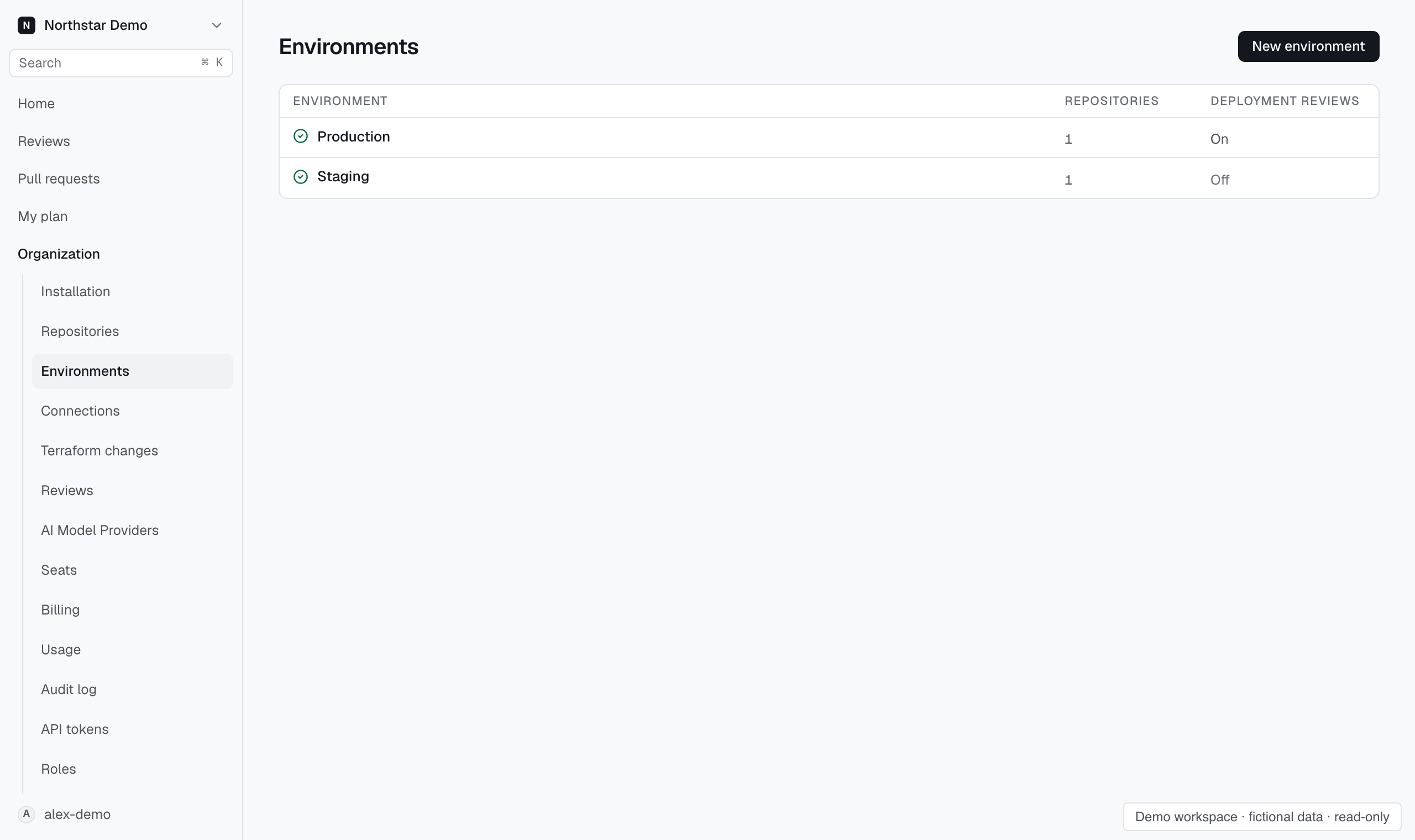
Read an environment's status on the Environments list
On Environments, open a configured environment to see its Overview, or open a draft to finish setup. Administrators can follow a repair from a row or return to the setup conversation on Installation by selecting the draft's name.
Finish a draft#
| Row status | What to do |
|---|---|
| Needs a GitHub environment | The draft still needs a GitHub environment. Open the draft and choose the one the repository deploys to. |
| Needs a delivery answer | The repository has only this draft, it asks for pull request reviews alone, and its delivery answer is missing. Open the draft and answer the delivery question. Setup can offer to skip a GitHub environment. |
| Continue setup | The draft still has setup questions before confirmation. Open it and answer the next question. |
| Finish AWS role setup | An AWS role chosen in setup still needs to be connected. Open the draft and finish connecting the role before confirming the environment. |
| Needs confirmation | The draft is ready for confirmation. Open it and review the saved choices before confirming. |
If you no longer need the draft, see Discard an unfinished environment setup.
Read a configured environment's row#
Needs repair means setup or an open problem needs attention. Administrators can follow the repair beside the first problem and open the link to any remaining problems. Waiting on Proofline means the remaining work is on Proofline's side. Ready is a setup status. To see what a review or deploy check established, open its own result.
The Cloud column names linked AWS accounts, Google Cloud projects and Azure subscriptions. Check the environment's inventory for what Proofline could read.
| Cloud entry | What it means |
|---|---|
| No cloud account | A dash for a configured environment whose cloud list has no entries. |
| Unavailable | Proofline could not read the Google Cloud or Azure connection lists. Open the environment to inspect the connection problem. |
| Cloud evidence not chosen yet | The draft still needs an answer about cloud evidence. |
| No cloud evidence | The draft was saved without cloud evidence. |
| Cloud evidence chosen, not linked yet | The draft has saved cloud choices that will be linked when setup creates the environment. |
| Withdrawn during removal | Removal has withdrawn the environment's configuration. |
The dash descriptions are available to screen readers. A placeholder means the list is still loading.
Find rows by status or check removal#
Use All statuses to return to every status or select a status to narrow the current search. The options come from the list. If the last matching row changes status, the filter stays selected until you change or clear it.
Administrators can find in-progress and failed cleanup under the Removing filter. A row marked Removing waits for cleanup and disappears when it finishes. If the row says Removal did not finish, select Retry cleanup and follow the confirmation. The environment's page is already withdrawn during cleanup.