
Fix a review model that has no key or is unavailable
The line under Review model says where the model comes from; when it names a missing key or an unavailable model, repair it through Change.
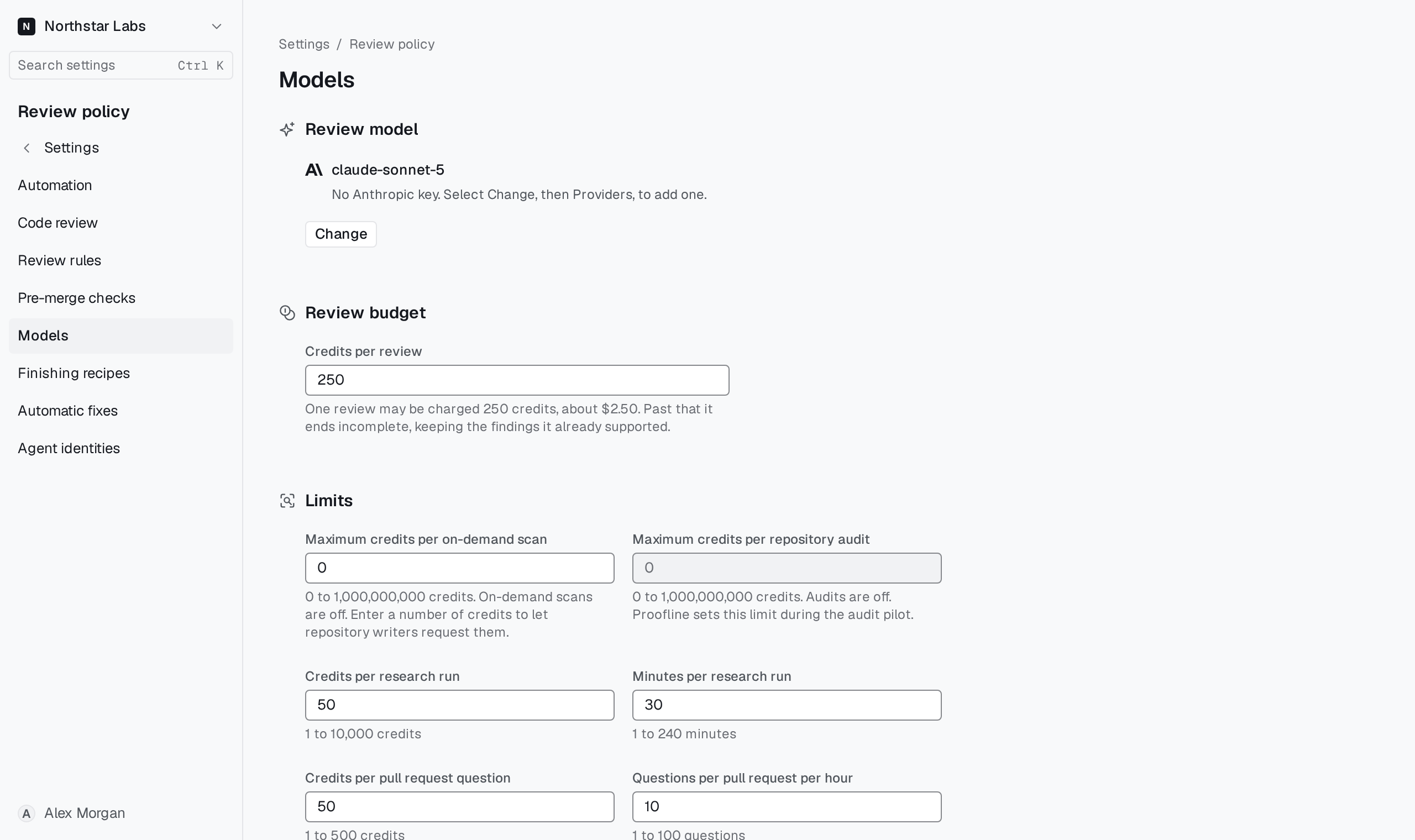
Read the review model line#
Open Settings → Review policy → Models. Review model shows the model's name, then the line that says where it comes from:
- "Proofline default. No provider key needed." The organization uses Proofline's managed model.
- "Proofline default is not available for this organization. Choose a provider." The managed model cannot serve this organization. Choose another provider.
- "No Anthropic key.", "No Google key." or "No Custom provider key.", followed by "Select Change, then Providers, to add one." The selected provider has no key stored.
- "Code reviews use OpenAI through Microsoft Foundry." OpenAI needs no key for the review model.
- A provider's name with "with this organization’s key", or a custom provider's name with "this organization’s custom provider". The model is ready.
The model's name reads Model name unavailable when the Proofline default has no model to name, and Model not set when a provider is chosen without a model.
Add the missing key#
- Under Review model, select Change. You need the Manage models permission.
- Open the Providers tab and add the key for the provider the line names. Replace a model provider's API key covers the key controls.
- Select Done, then Save changes.
Choose another provider or model#
- Under Review model, select Change.
- On the Review model tab, choose a provider, then a model from Model.
- Select Done, then Save changes.
For Custom provider, the dialog says why it cannot be chosen: "Connect a custom provider in the Providers tab first." or "No custom API hosts are approved. Contact your Proofline administrator." Test and connect a custom review model provider covers the first.
Repository overrides use the same wording, as in Proofline default · Model name unavailable. Fix an override on the repository's Settings → Models page.