
Read the state of each Google Cloud connection on Setup
On an environment, open Setup → Google Cloud to see which evidence sources and GKE clusters are connected and which need attention. Select a source or cluster to open its details.
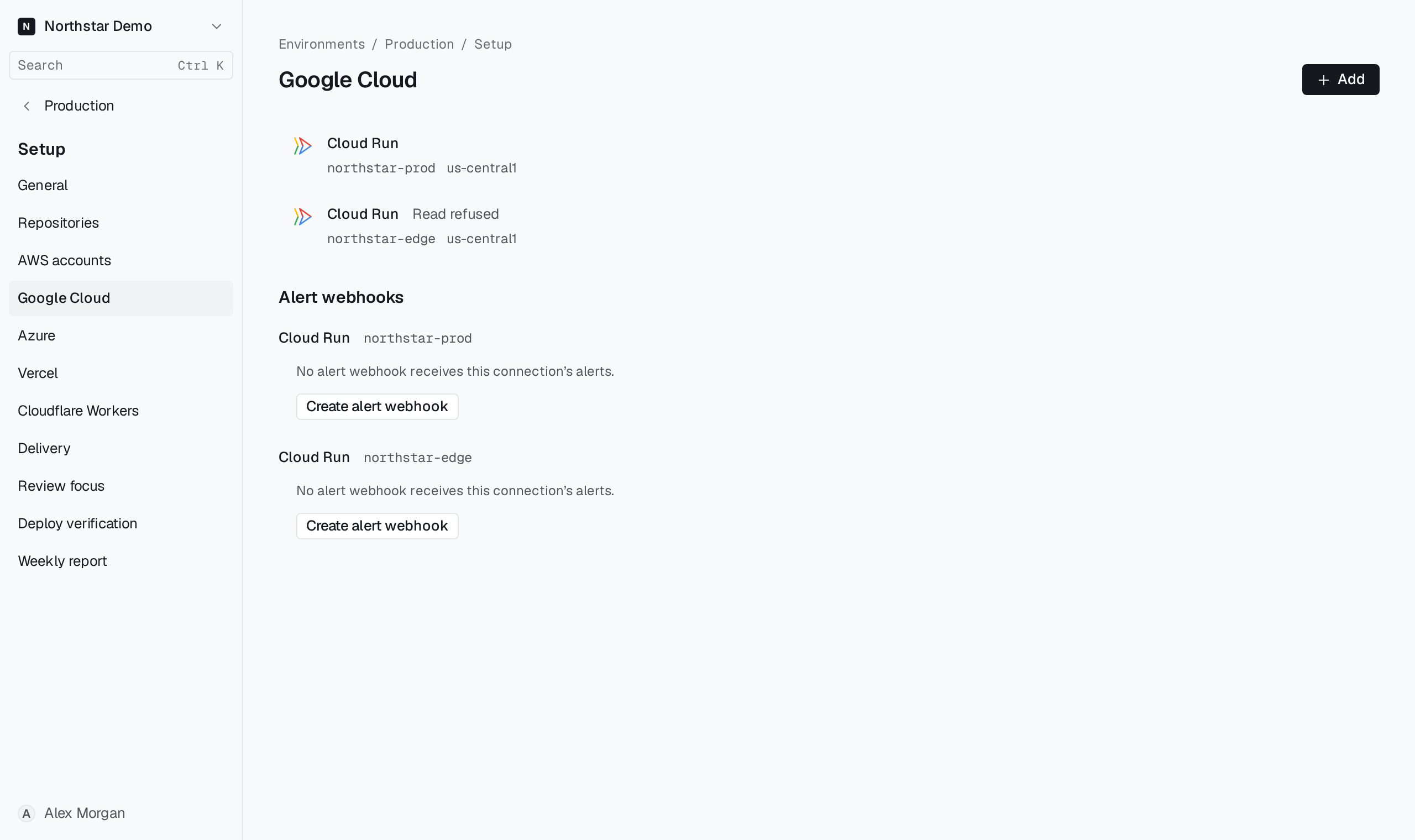
Read the evidence source's state#
- Read refused means the last verification found a permission or resource read it could not use. An administrator can open Access, follow the saved reason, and select Verify capabilities after making a correction.
- Verification not settled means the last saved verification was inconclusive. Read the reason if it is shown, then verify capabilities again.
- Nothing to read means verification could read the selected scope and found no resources there. Check the project and resource selection. If the project genuinely leaves that product unused, record that choice.
- Not used means an administrator recorded that the product is unused. When the environment begins using it, select This product is used and verify the source again.
If the row says Setup not finished, select Finish setup to continue the connection. A usable evidence source has no warning on the list. Its details can show Connected.
Read the cluster and environment states#
On a GKE cluster's row, Connected means the verifier could access the cluster. Setup not finished or Setup not started means there is setup left to do. Verifying access marks a check in progress. For Access denied, Setup failed, or Needs an update, open the cluster to check its setup and reported reason. Verify cluster access after a repair. Revoked means access to that cluster was withdrawn.
Setup complete appears in the environment's General setup section when the environment's setup is complete. To check one Google Cloud connection, use its own row and access report.
When the list is empty, it says the environment reads nothing from Google Cloud yet or Nothing from Google Cloud is connected. The setup conversation's Google Cloud section says No Google Cloud clusters or evidence sources added. An administrator can select Add to connect a service.