
Re-enter a QA schedule change that did not save
If Save setup says your setup details were saved and your schedule change was not, someone saved a newer schedule after you opened the editor. Your other setup changes are already saved. Reload the schedule before entering your change again.
Load the saved schedule#
- In Edit setup, open Advanced and find Schedule.
- Select Load the current schedule. This replaces your schedule entries with the saved schedule.
- Re-enter your intended schedule change, then select Save setup.
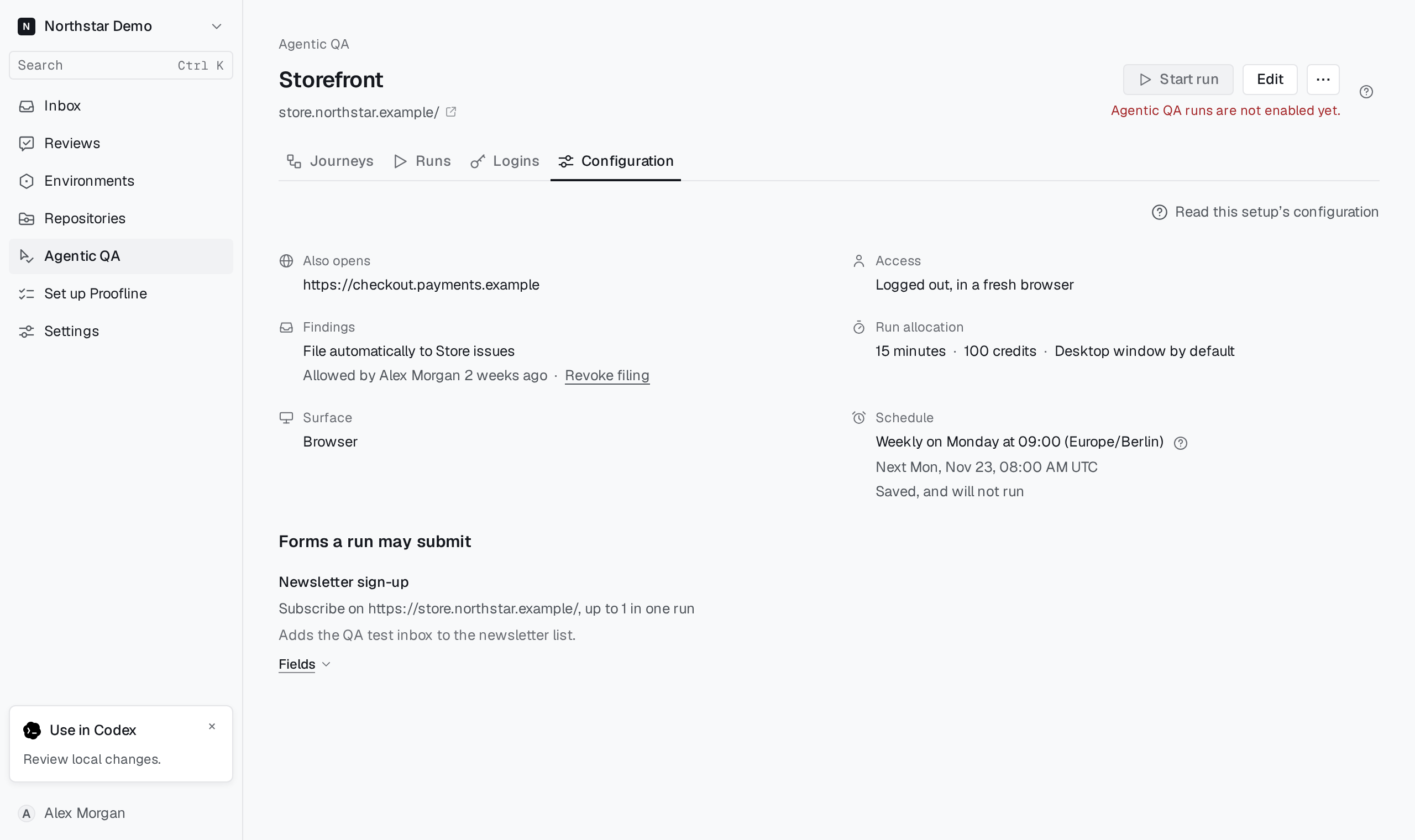
- On the setup's Configuration tab, check Schedule for the saved cadence and, when available, the next occurrence.
Correct a refused time zone#
If Time zone asks you to enter a known IANA time zone, your schedule entries stay in the editor. Correct the zone, for example to Europe/Berlin, and select Save setup again.