
Set a shadow approval policy and read its decisions
Shadow approval records whether each change the merge gate decides would qualify for approval: a small change with a complete review and no blocking finding. Proofline submits no GitHub review and blocks no merge, so you can judge the policy on real pull requests before relying on anything like it.
Set the policy#
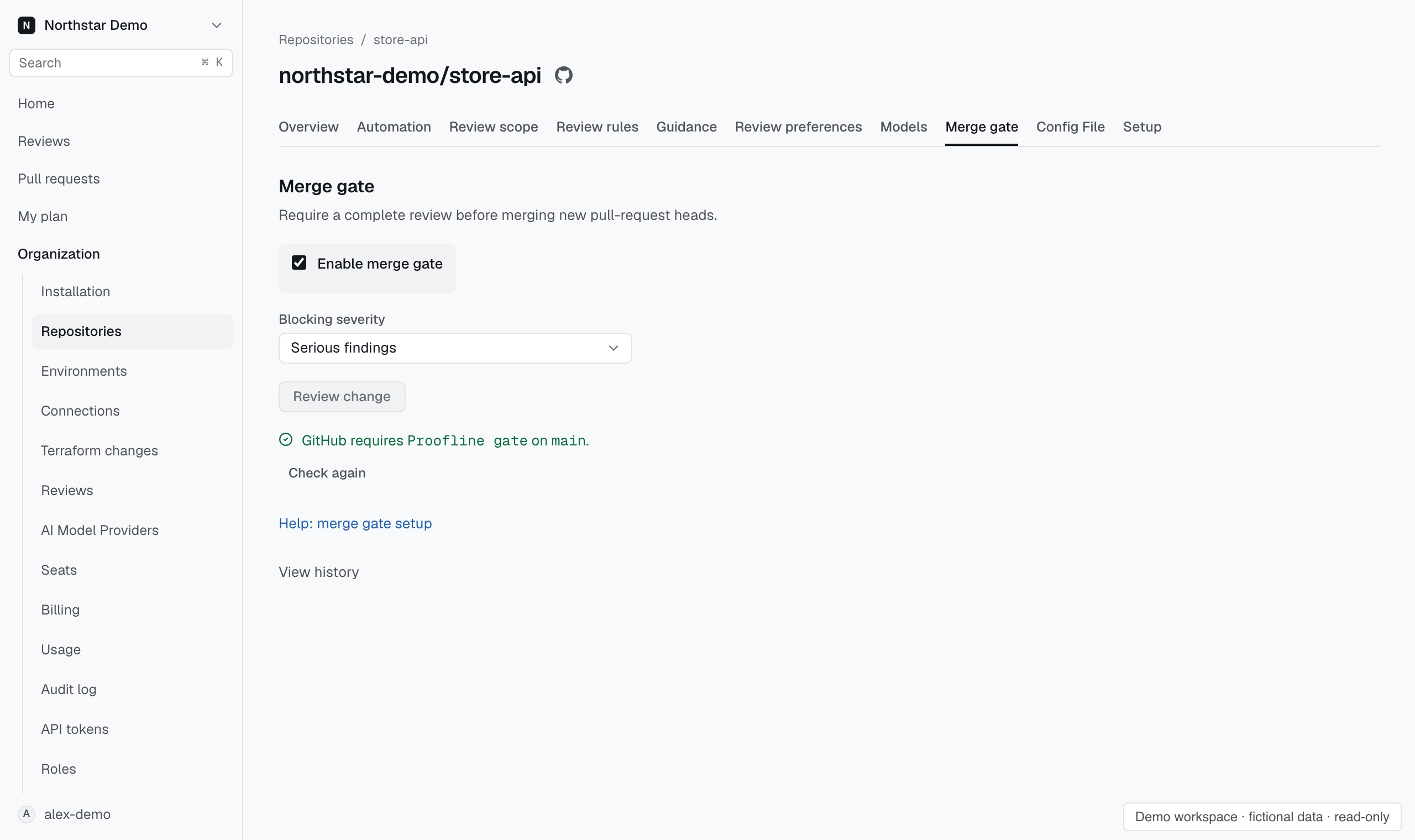
- Open the repository's Merge gate page and find Shadow approval.
- Open Approval policy.
- Select Record shadow approval decisions. It needs the merge gate on; while the gate is off, you can still set the limits, and they apply when you turn it on.
- Set Most changed lines and Most changed files. A change above either is not approved.
- Under Extra protected paths, enter one repository-relative glob per line, such as
docs/legal/**, with no leading/. Migrations, infrastructure, delivery workflows, authentication, dependency manifests, CODEOWNERS and delivery-target paths are always protected. - Select Save approval policy. Heads already decided keep their decision.
The status under the title reads Recording. while decisions are recorded, Paused. while the merge gate is off, or Off. If saving reports a conflict, someone changed the policy meanwhile: select Reload current policy and make your change again.
Read the decisions#
The summary under the title shows how many decided heads would be approved, with a line for each check that turned heads away.
For each decision, select View history and look under Shadow approval decisions. Each pull request head reads Would approve or Not approved. Would approve means every check passed and the change was classified routine. Not approved names the check and the reason:
- Merge gate, Code review, Open findings, Hypotheses or Proofline threads: the gate blocked the head, a newer head replaced it, the review did not complete, or a finding, hypothesis or Proofline thread is still open.
- Protected paths: the change touches an always-protected path or one of your extra protected paths.
- Size: the change has more lines or files than the policy allows, or GitHub did not list every changed file.
- Author: an App or bot authored the change, the author has no Proofline seat, or the author is unknown.
- Pre-merge checks: a blocking pre-merge check was not met.
- Risk class: the change was not classified routine, or the risk classifier gave no usable answer.
To see whether a looser policy would approve more, change a limit and compare the decisions recorded after you save. Earlier decisions do not change.