
Tell an incremental refresh from a full review
Check the review's scope to see whether it covered the whole change or reviewed the files touched by a push and carried earlier findings forward.
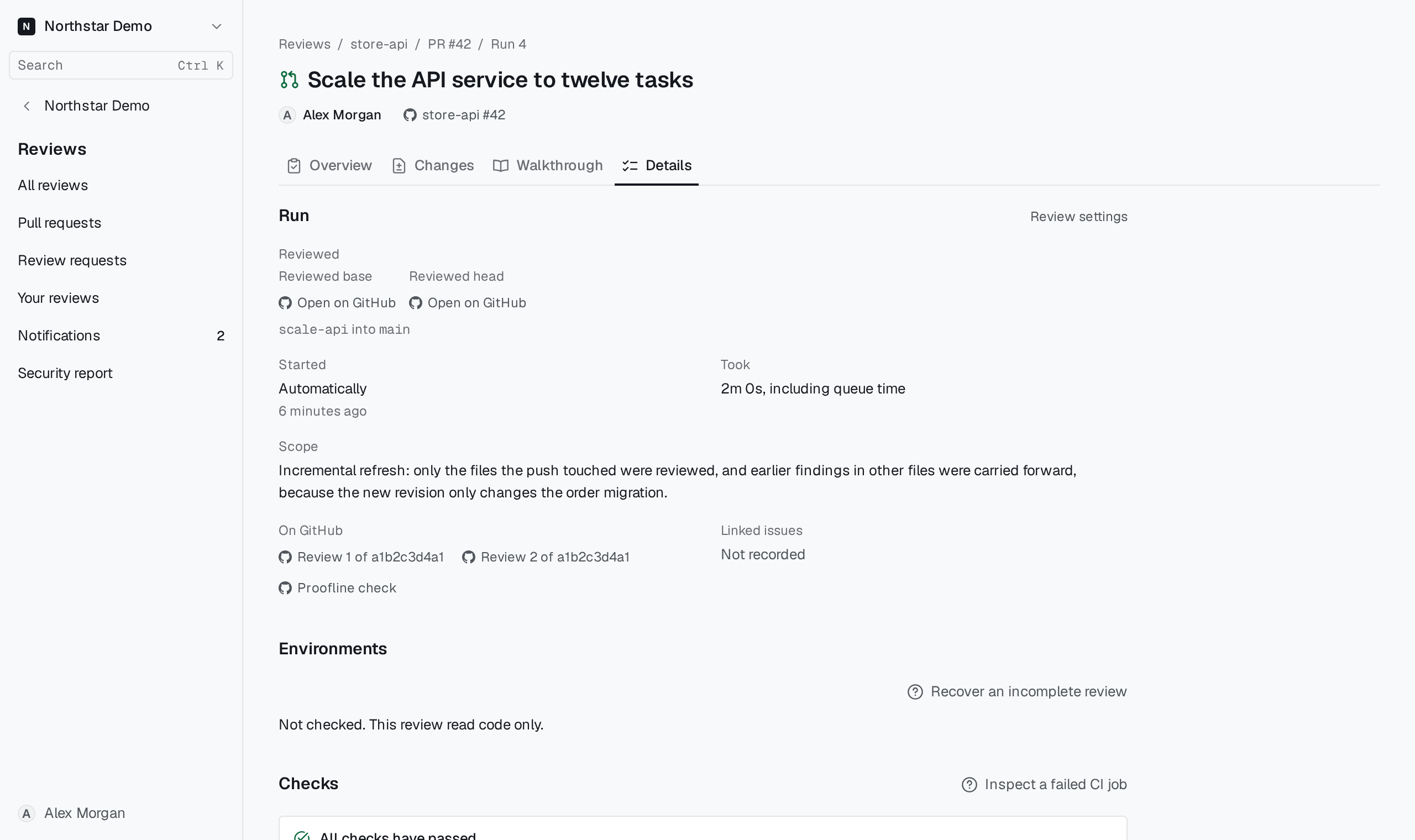
Read the scope of a run#
On the pull request page, look under Runs for Incremental refresh or Full review. The review itself can show the same badge. Hover over it or focus it to read the reason for the scope when one was recorded. On the review, the tooltip can also name what decided the scope.
- Incremental refresh reviews the files the push touched. Earlier findings in other files are carried forward.
- Full review covers the whole pull request change. A manually requested full review can show who requested it in the tooltip.
On the review, open Details and read Scope for the recorded description. The badge and row appear only when Proofline recorded scope for the run.
Request a full review#
On the open pull request's page in Proofline, select Run a full review when the action is available. Once the new run finishes, open it to check its scope and reviewed commit.