
Read finding series results in a weekly report
Use Finding series to see which findings were first published that week, which still needed attention and which re-verification found gone. In the environment's Setup, open Weekly report and select the week.
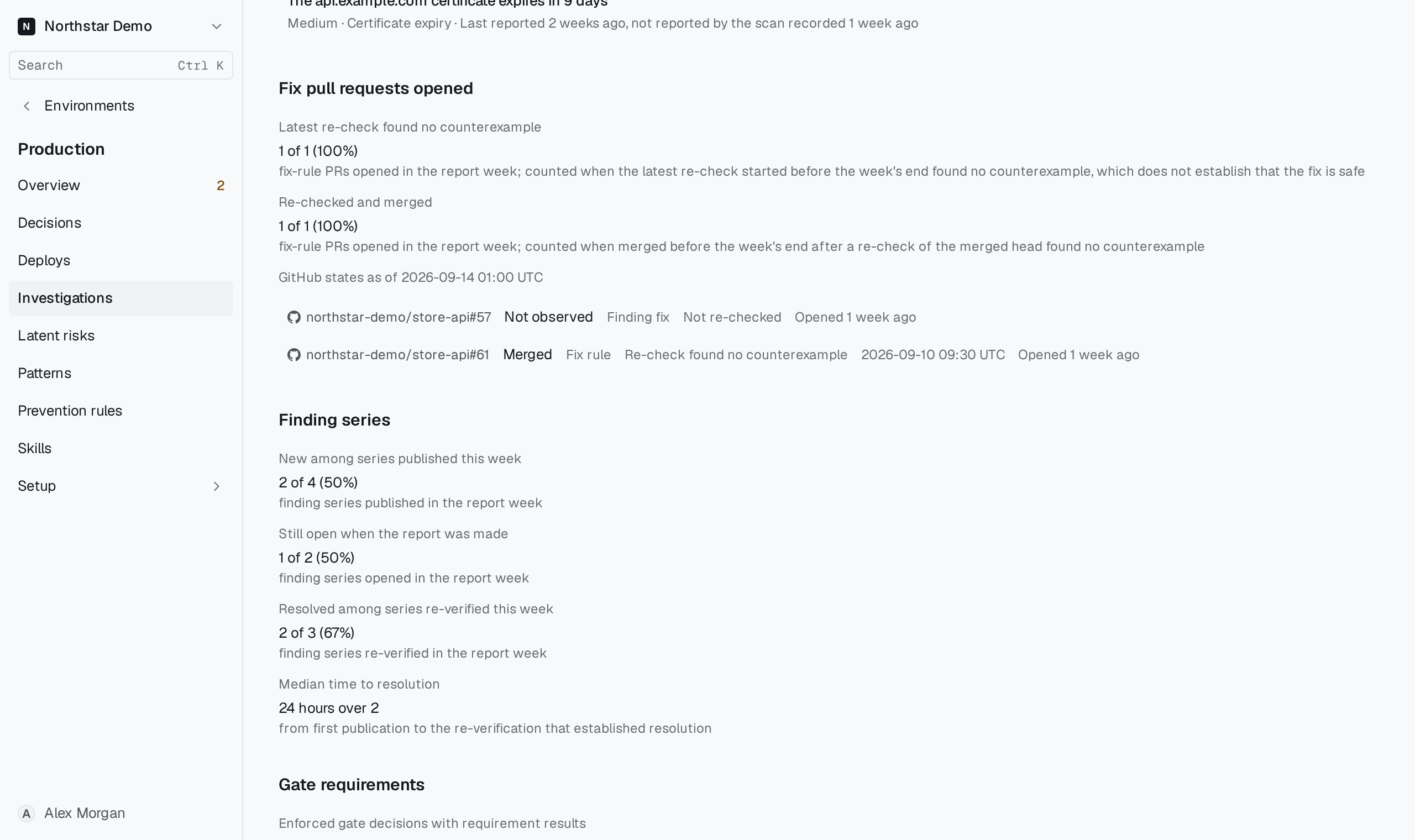
Read the series counts#
- New among series published this week counts series whose first occurrence was published that week, out of the series with any occurrence published that week. No series published this week means the report had no series to count in that population.
- Still open when the report was made applies to those new series. It shows how many still needed attention at the time the report was collected and appears only when the report counted new series.
- Resolved among series re-verified this week counts series a re-verification at a newer pull request head found gone, out of all series re-verified that week. No series re-verified this week means there were no series in that population.
When re-verification found at least one series gone, Median time to resolution measures from each resolved series' first published occurrence to the first re-verification that found it gone that week. If the report holds no median for those resolutions, it shows Resolution time unavailable.
The report counts supported findings that belong to a series. A resolution records that the finding's mechanism was gone at the re-verified head.