
Read an environment's setup status and run setup again
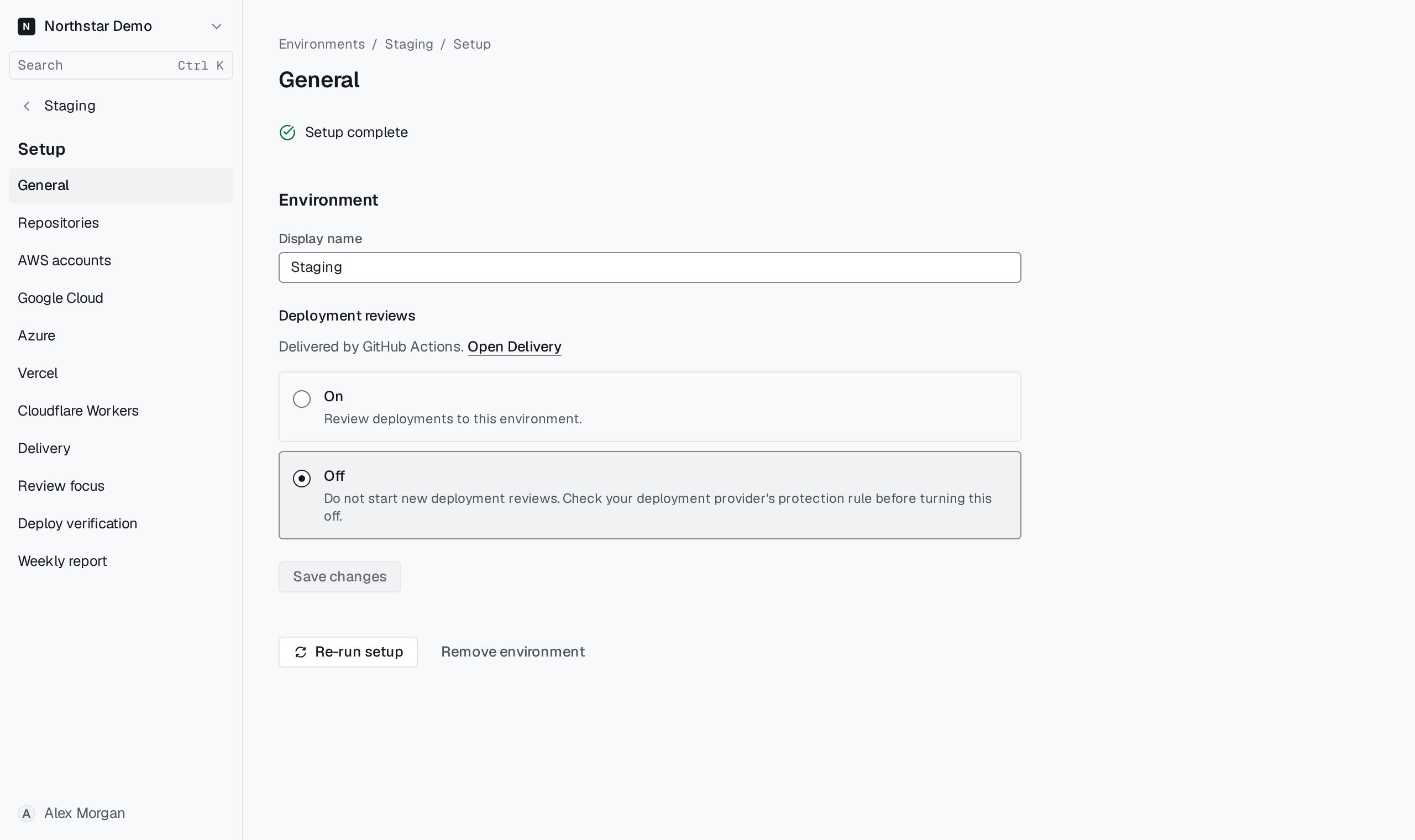
Open an environment's Overview to see setup that still needs attention. Select Open setup, or open Setup → General from the sidebar, to read the status and use the available repair. Administrators see the detailed setup messages.
Read the setup message#
| Message | What to do |
|---|---|
| Setup failed | The last setup run failed. Read the recorded error. Restore any missing access or fix the connection it names, then run setup again. |
| Setup in progress | A setup run is queued or still working. Wait for the status to update. |
| Setup needs attention | Setup recorded a problem or still needs a repair. Read the reasons and follow the repair for the affected connection or setting. |
| Waiting on Proofline | Setup is waiting on Proofline, for example for the first inventory collection after access was verified. Read the reason and the timing if shown. |
| Setup required | Setup still needs to be completed. Open Setup and use the detail shown to complete the outstanding step. |
| Setup complete | Setup has finished and General has no remaining setup notice to show. Check each review or deploy result for the evidence it used. |
When setup has finished, Overview drops its setup message. General can still show an open problem or a deployment review notice in place of Setup complete.
Run setup with the saved settings#
After fixing the issue named in the message, select Re-run setup in Setup → General. The button is disabled while setup or another setup action is running. Watch the status for the new run's result. If starting a run fails, read the error beside the action.
If you're working in the setup conversation, select Run setup again when it's offered. The conversation offers it when setup is incomplete and no run or Proofline wait is in progress. You can return to Setup → General to check the result.