
Read a codebase plan version
A plan version lists the changes Proofline proposes at one commit, step by step. Read it before you give feedback or approve it: each step names what it changes and tests, and the sections below name the designs, environment facts and modules it relies on.
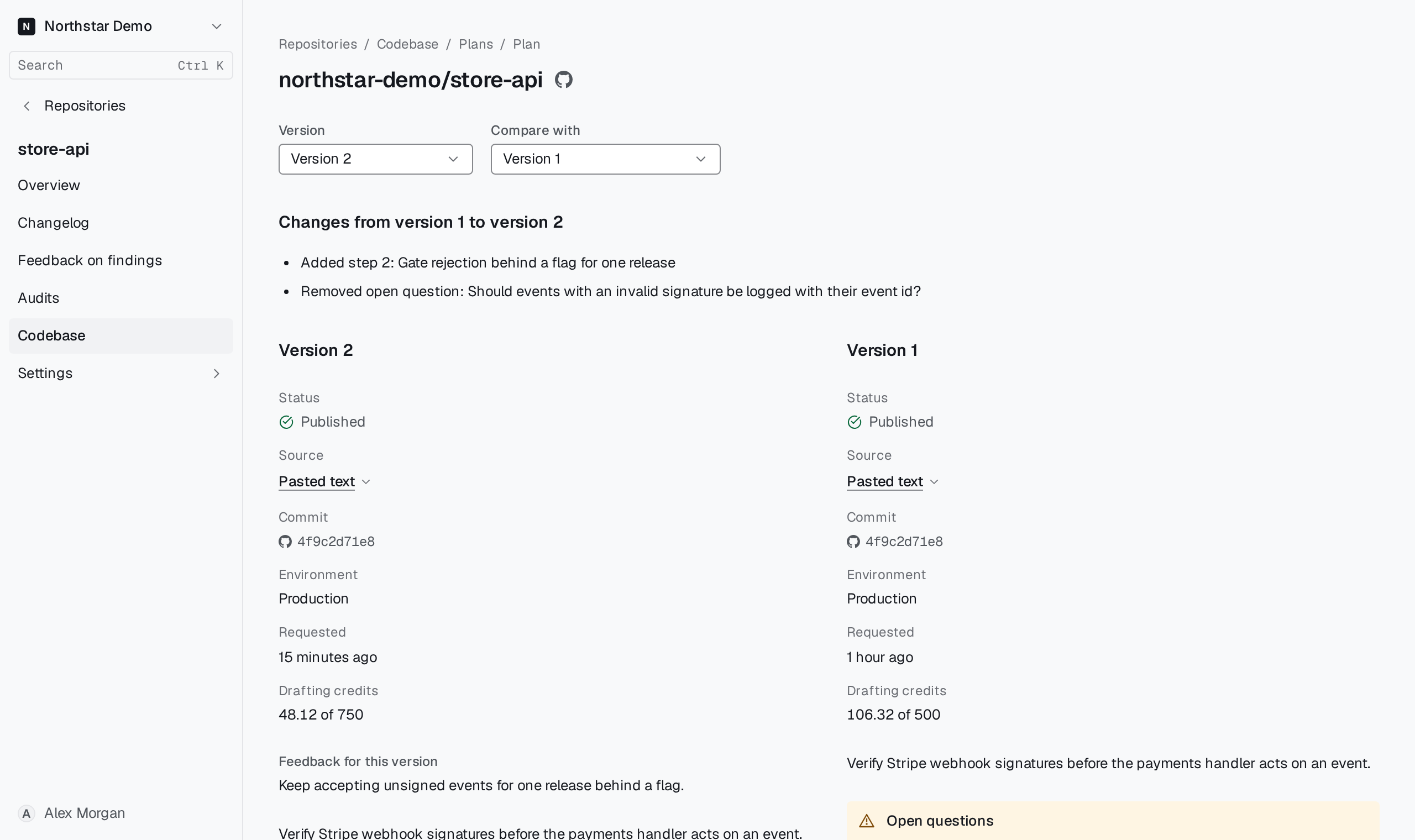
Open the plan from Plans on the repository's Codebase page and choose the version under Version. The facts at the top give its Status, Source, Commit, Environment, Requested time and Drafting credits. A summary of the change follows. Open questions and Unknown prerequisites appear above the steps when the draft left something unresolved.
Steps#
Each numbered step has a title and a description of the change.
- Files lists the files the step changes. A file that exists at the version's commit opens on GitHub at that commit; a file marked (new) is one the step creates, and has no link.
- Tests lists the test files the step adds or changes, in the same way.
- Designs names the image and screen the step follows, such as Image 1: Review. When two screens of one image share a name, the screen's route or number follows it.
- Test command is the command that runs the step's tests.
When a version has no steps, the section says The plan names no steps.
Designs#
A version drafted with design images lists each image as Image and its number, its kind and its screens. Upload design images to a codebase plan explains each kind and what to do about an image left out of the plan.
Environment#
Environment appears when the draft read a linked environment, decided it needed none, or holds prerequisites.
- Facts says Read when the draft read the environment's recorded facts, or Not needed when the change needs none. A note beneath it explains the choice.
- Prerequisites lists conditions the change needs in the environment. Shown by names the recorded facts that establish each one.
- Recorded facts lists each fact the version cites, with the record and snapshot it was read from.
A version that read no environment shows only its prerequisites, if it has any. Check which environment facts support a plan explains how to follow them.
Changed modules#
Changed modules lists the modules the steps' files fall in. Modules considered while drafting opens the wider set the draft looked at.
Risks and removed paths#
Risks lists the risks the draft identified in the change. Removed paths lists files the draft named that do not exist at the commit and were not marked new; Proofline removed them from the steps. If a step needs one of those files, give feedback naming the right path and request another version.
To see what changed since an earlier version, select it under Compare with. Compare two versions of a codebase plan.