
Read the Setup gaps and Not established sections of a weekly report
Use Setup gaps to see when gaps were opened and closed. Use Not established to see which measures the report could not compute. In the environment's Setup, open Weekly report and select the week.
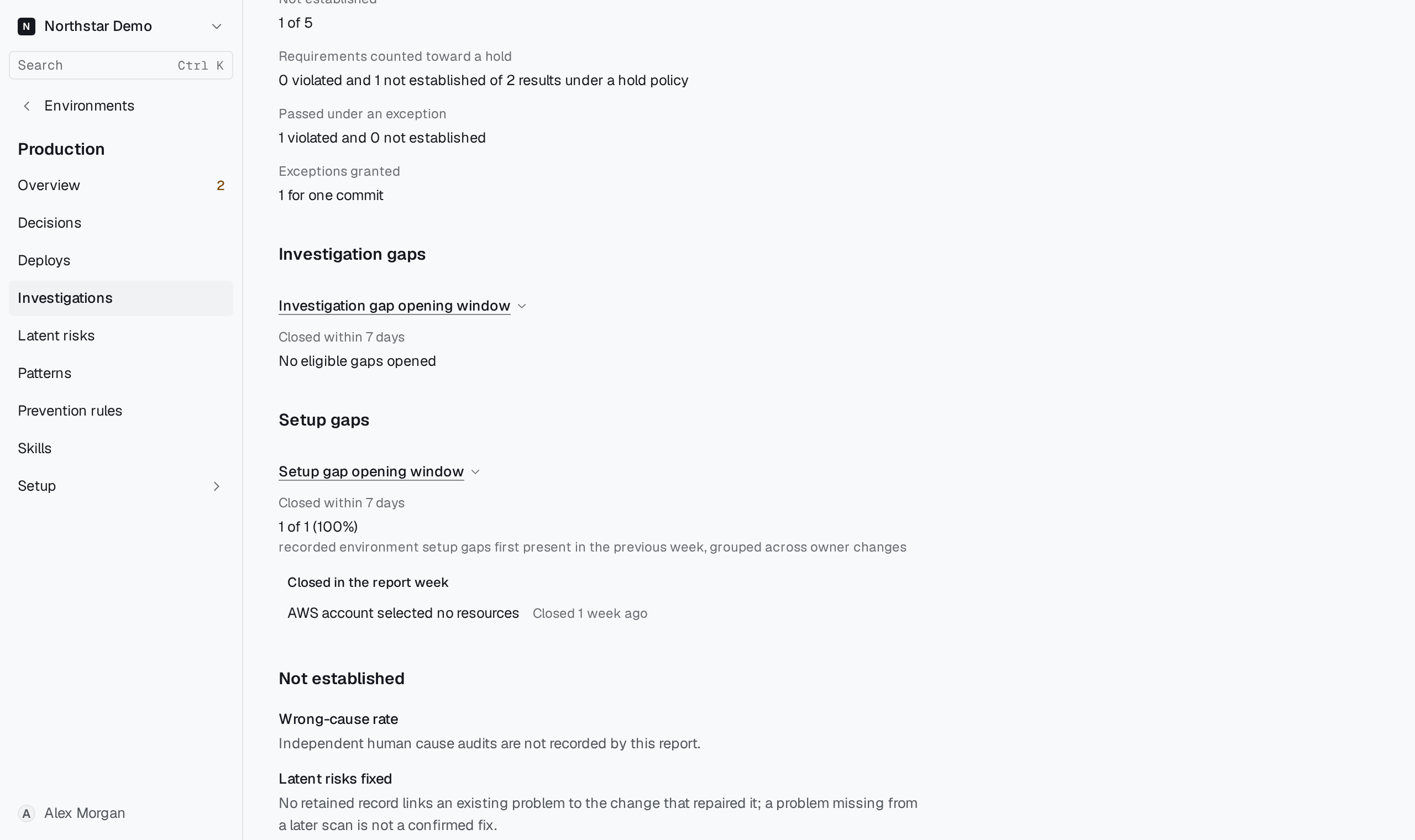
Read when setup gaps were closed#
Open Setup gap opening window for the exact start and end of the window before the report week. A gap that opened at the end timestamp belongs outside that window.
Closed within 7 days counts gaps from that opening window that closed within seven days of their own opening. No eligible gaps opened means none qualified for the rate.
Closed in the report week lists gaps resolved that week, including gaps that opened outside the opening window. The list appears when the report has a closure to show.
Check why a measure is missing#
When the report lists Not established, find the measure by name and read the reason beneath it. If you see Not established as a row under Gate requirements, read what that result means for a requirement.